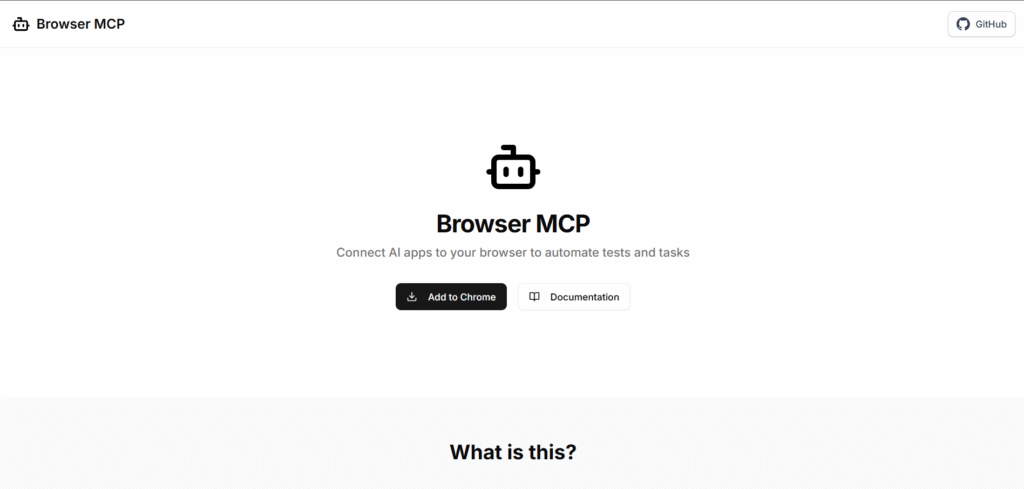
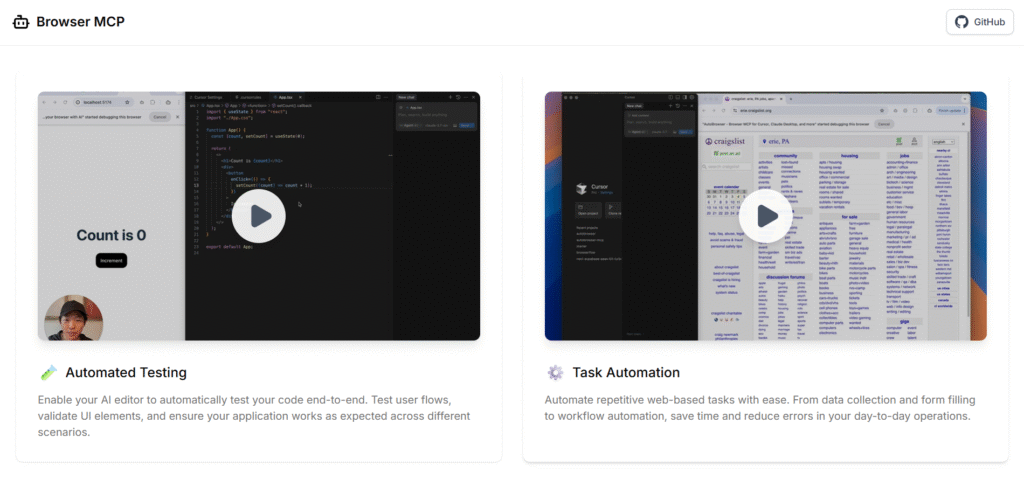
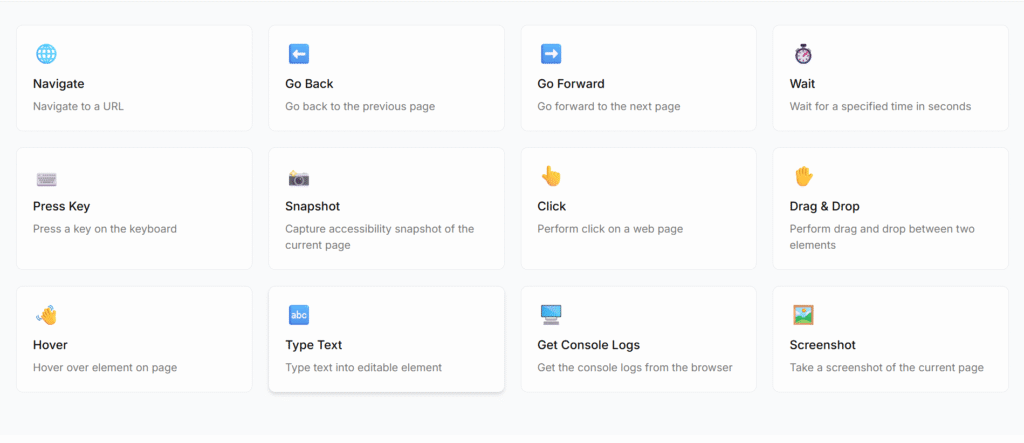
Browser MCP is a simple but very powerful way to let AI tools like Claude, Cursor, VS Code, and Windsurf control your real browser so they can click, type, and navigate websites for you. It runs locally on your own machine, using your existing logged-in browser profile, so it is fast, private, and can often slip past basic bot checks and CAPTCHAs by using your real browser fingerprint. With Browser MCP you can ask an AI to test your app end-to-end, fill out boring forms, collect data from pages, or walk through complex user flows again and again without doing it by hand. You just set up the MCP server, install the browser extension, connect a tab, and then your AI assistant gets rich tools like navigate, click, type text, screenshot, and read console logs to automate almost any everyday browser task for you.
Summary
| Foundation Year | 2025 |
| Country | 🇺🇸 United States |
| Founders | Namu |
| Tier | 100% Free |
| Platforms | API, Web Browsers |
| AI Features | API, Browser automation, Cross-browser testing, Cross-language API, Cross-platform testing |
| Pricing From | Free |
| Support | N/A |
| Best Used For | AI Browsing Automation |
| Affiliate Program | No |
| White Label | No |
| API | Yes |
Gallery
Description
Features
- AI Browser Automation
- Cross Browsing
- Navigate
- Go Back
- Go Forward
- Wait
- Press Key
- Snapshot
- Click
- Drag & Drop
- Hover
- Type Text
- Get Console Logs
- Screenshot
Free Plan & Pricing
No paid plan available for Browser MCP
Refund Policy
5 Ratings
[N/A]
[N/A]
5app.ai Rating
[N/A]
AI Review
[4.9/5]
Browser MCP is highly rated for automating browser tasks with AI, praised for being fast, private, and reliable. Users appreciate its seamless integration with tools like VS Code and Claude, though some note minor issues with clicking accuracy and token usage.
Sources:- Chromewebstore.google.com, Chrome-stats.com, Youtube.com
Our Expert's Opinion
[4.5/5]
When I tried Browser MCP, it felt very powerful but also a bit rough in some places. I liked that the AI could really click, type, and move around my own logged-in browser, which made tests and boring form work much faster than doing everything by hand. It was also nice that it runs locally, so I did not worry too much about sending my private tabs to some remote cloud browser. But setup was not super easy: I had to install the extension, add the MCP server to my editor, and sometimes fix small config issues before things worked well. The tool list (click, type text, screenshot, console logs, and more) is great, but sometimes the AI feels slow or confused on complex pages, and you still need to watch it so it does not click the wrong thing. Overall it feels like a strong tool for people who already know MCP and dev tools, but not yet very friendly for total beginners.
Videos
User Reviews - 0 reviews
Reviews
Write a ReviewThere are no reviews yet.