Summary
| Foundation Year | 2025 |
| Country | 🇺🇸 United States |
| Founders | Sawyer Hood |
| Tier | Free Trial, Paid |
| Platforms | Web Browsers |
| AI Features | Browser automation, Browsing history search, Multi-Agent Mode, Social media drafting, Webpage reading |
| Pricing From | $25 Per Month |
| Support | Yes (Email) |
| Best Used For | AI Browser Automation |
| Affiliate Program | No |
| White Label | No |
| API | No |
Gallery
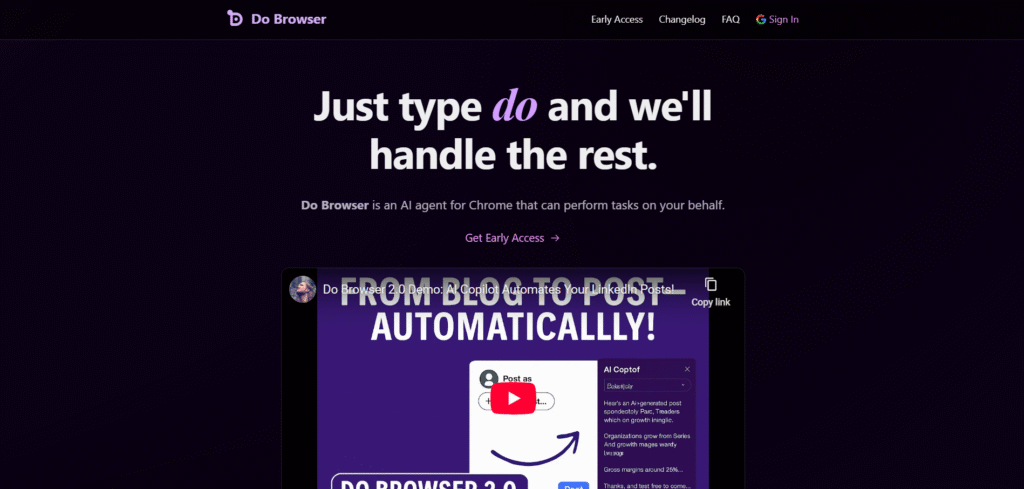

Description
Features
- Natural language browser control
- “do” address bar trigger
- Cmd+K / Ctrl+K shortcut launcher
- Voice command / microphone activation
- Shopping assistant (buy/search items)
- Form filling & form automation
- Social media drafting (tweets, DMs, posts)
- Web search from the assistant
- Browsing history search / deep history search
- Page summarization & Q&A about current site
- Image / infographic / chart generation
- Dashboard & cloud service navigation (e.g., S3 buckets)
- Multi-Agent Mode
- Classic Mode
- Tab listing and opening
- Tab control (navigate, open, switch)
- Webpage reading & interaction (AI side-panel)
- “Memories” / personalization features
- Cross-website task automation
- Settings panel customization
- Change AI model / provider
- Bring-your-own API key (OpenAI / OpenRouter)
Free Plan & Pricing
Refund Policy
5 Ratings
[N/A]
[N/A]
5app.ai Rating
[N/A]
AI Review
[3.4/5]
Do Browser is a promising AI-powered Chrome extension that lets users control their browser with natural language commands. It works well for simple tasks like filling forms and making purchases, but some users report it falls short with more complex actions and find the pricing model restrictive. Overall, it's a useful tool for automation, especially for those who like experimenting with new AI tech.
Sources:- Chromewebstore.google.com, Youtube.com, Aiagentslist.com, Scribd.com
Our Expert's Opinion
[3.5/5]
Based on what I see from Do Browser itself and from user reviews, it looks like a very clever but still early AI helper for Chrome: when it works, typing “do” and letting it click, fill forms, shop, and navigate dashboards for you really feels magical, and the multi-agent and history search features seem very powerful for heavy web users. But it is not very stable yet: even the creator says it is not ready for the general public, it struggles with complex sites like Google Docs or Figma, needs close supervision, works only in Chrome, and costs around $25/month in early access, which some people may find too high for something that still breaks or gets stuck. With a 3.4/5 rating on the Chrome Web Store, the overall picture is “promising but inconsistent,” great for tinkerers and early adopters, not yet a tool you can trust for critical or fully hands-off work.
Videos
User Reviews - 0 reviews
Reviews
Write a ReviewThere are no reviews yet.