Summary
| Foundation Year | 2021 |
| Country | 🏴 England |
| Founders | Taka Shirasu, Teodor Radu |
| Tier | Freemium, Paid |
| Platforms | Desktop App, MacOS App, Web Browsers |
| AI Features | AI Transcription Generator, AI Translations, Multilingual Transcription, Transcription, Translation |
| Pricing From | $9 Per Month |
| Support | Yes (Email) |
| Best Used For | AI Translations |
| Affiliate Program | No |
| White Label | No |
| API | No |
Gallery
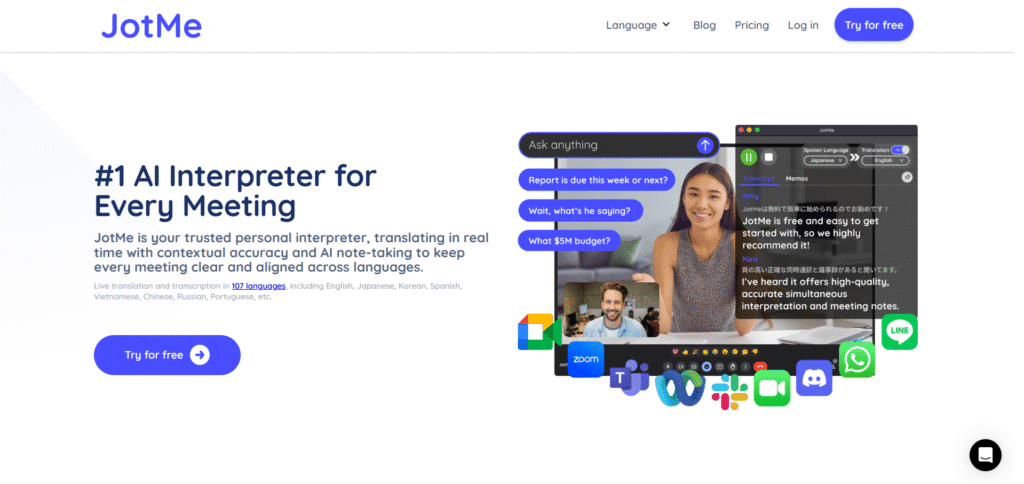
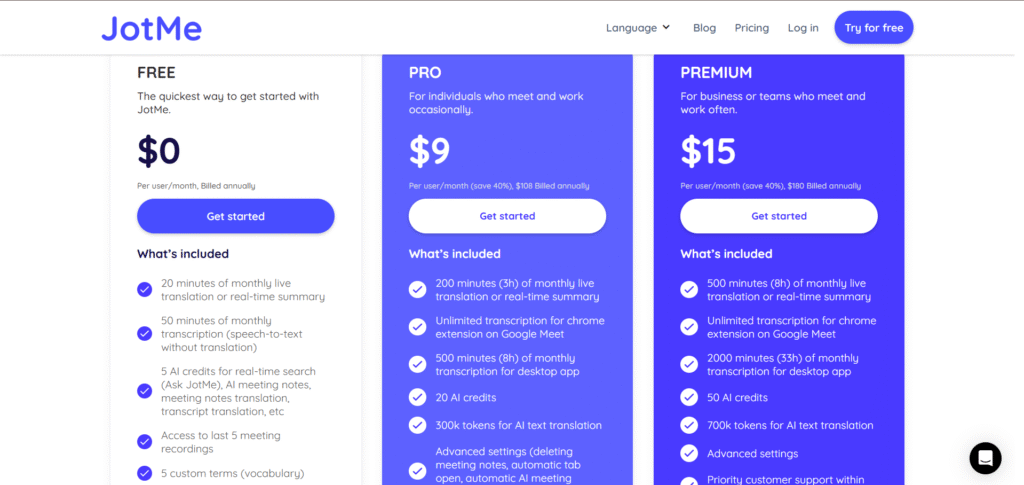
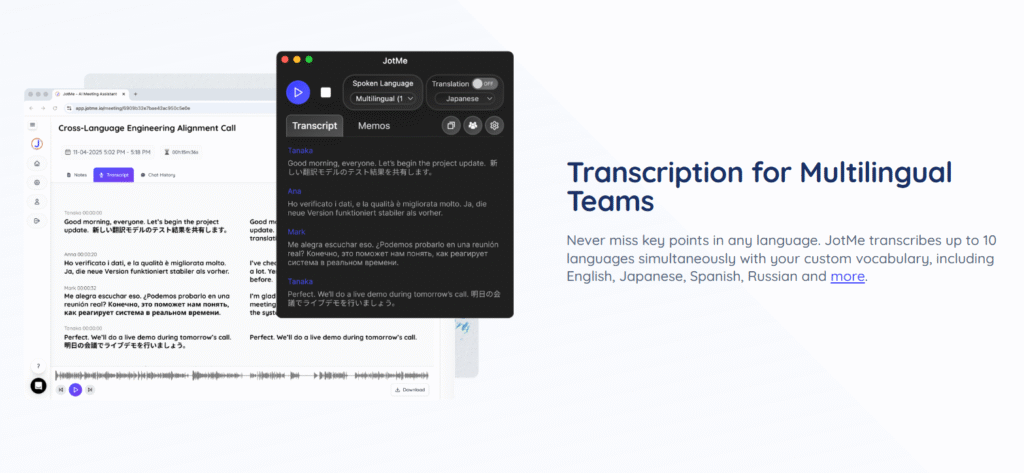
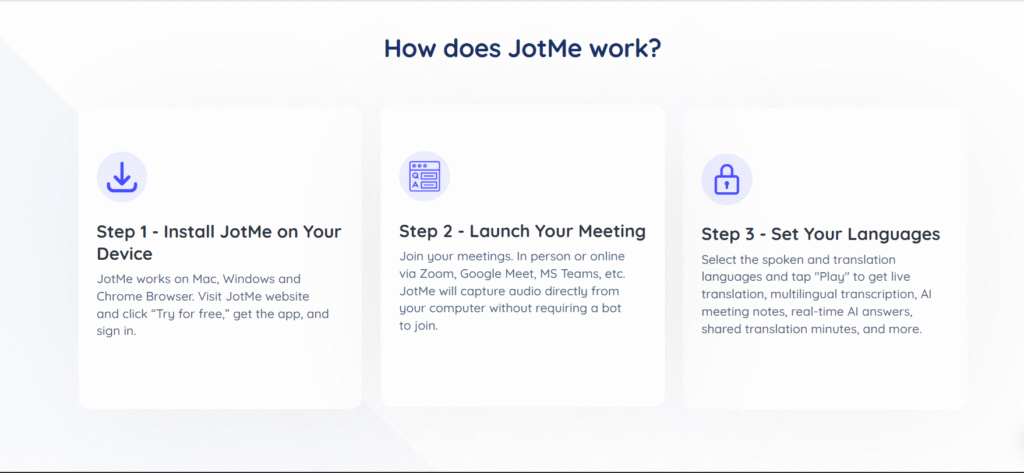
Description
Features
- Zoom Translation
- Zoom Translated Caption
- Zoom Transcription
- Zoom Trancript
- Zoom AI Notetaker
- Zoom AI Summary
- YouTube Translate
- YouTube Transcription
- YouTube Summary AI
- Teams Translation
- Teams Caption Translation
- Teams Transcription
- Teams Trancript
- Teams AI Meeting notes
- Teams AI Summary
- LINE video and voice call translation
- LINE video and voice call transcription
- LINE video and voice call summary
- Google Meet Transcript
- Google Meet Transcription
- Transcript Translation
- Bilingual Transcript
- Google Meet AI Note Taker
- Google Meet Translation
- Webex Translation
- Webex Transcription
- Webex AI Meeting Notes
- Transcript
- Multilingual Transcription
- Meeting Recording
- Live Translation
- Live Transcription
- AI Meeting Summary
- AI Meeting Notes Translator
- AI Meeting Notes
Free Plan & Pricing
Refund Policy
5 Ratings
[N/A]
[3.6/5]
5app.ai Rating
[N/A]
AI Review
[3.6/5]
JotMe offers strong real-time AI transcription and contextual translation in many languages, making it useful for multilingual meetings. However, some users find the meeting notes messy and the customer service slow, with account deletion delays.
Sources:- Trustpilot.com, Jotme.io, Scamadviser.com, Skywork.ai, Jotme.io
Our Expert's Opinion
[4.3/5]
JotMe feels very helpful for multilingual meetings because the live translation and transcription are fast and usually accurate, and the AI meeting notes save me time after each call. I like that it works on Zoom, Google Meet, and Teams without a bot joining the call, and that I can see the original text and translation side by side. But it is not perfect: the free plan has very limited minutes, so if I use it a lot I hit the cap quickly, and the paid plans may feel a bit expensive for a single user who has many long meetings. Sometimes the interface feels a little busy when I am trying to follow both the conversation and the captions, and there is no full mobile app, so I cannot rely on it easily from my phone. Overall, I think JotMe is a strong tool if I often talk with people in other languages, but I still need to watch my usage and accept that the translation is very good, not magic.
Videos
User Reviews - 0 reviews
Reviews
Write a ReviewThere are no reviews yet.