
Summary
| Foundation Year | 2023 |
| Country | 🇺🇸 United States |
| Founders | Charles Ying |
| Tier | Freemium, Paid |
| Platforms | Web Browsers |
| AI Features | AI Content Creation, AI Video Generation, Generative AI, Text To Video |
| Pricing From | $5 |
| Support | N/A |
| Best Used For | Video Generation |
| Affiliate Program | No |
| White Label | No |
| API | No |
Gallery
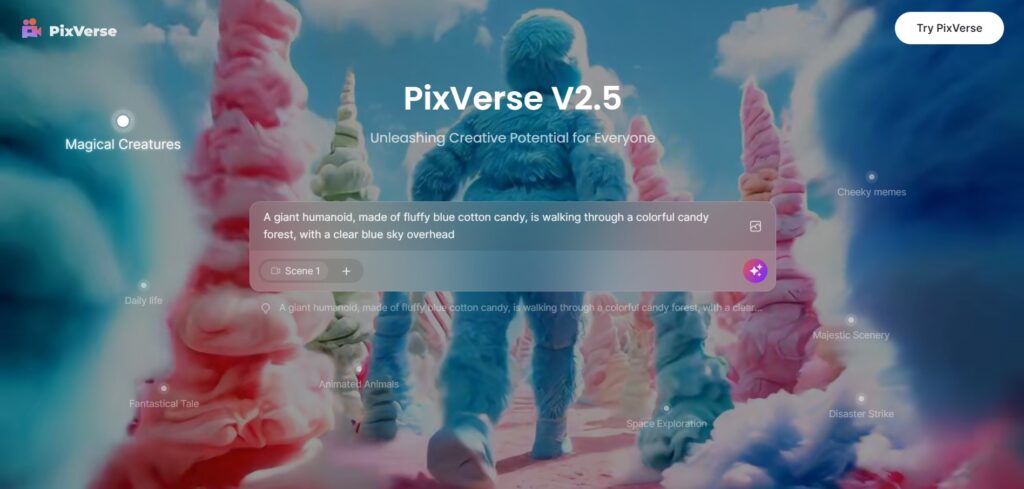


Description
Features
- Text to Video
- Image to Video
- Character to Video
- Pre-made Templates
- Scene Customization
- Creative Filters
- Video Export Options
- Multi-scene Support
- AI-Powered Animation
- Community Sharing
Free Plan & Pricing
Refund Policy
5 Ratings
[N/A]
[N/A]
5app.ai Rating
[4/5]
AI Review
[4.7/5]
Pixverse is highly praised for its smooth, high-quality AI video generation and easy-to-use interface, making it suitable for both beginners and creatives. Users find it great for creating realistic animations and promotional videos quickly, with helpful community support and continuous improvements.
Sources:- Apps.apple.com, Play.google.com, Fahimai.com, Youtube.com, Apps.apple.com
Our Expert's Opinion
[4.4/5]
After testing PixVerse, I found it fun and creative, especially for turning simple text or images into cool videos. The interface is bright and colorful, making it feel playful. However, it does feel a bit limited when compared to similar apps, as some advanced features for animation or scene control are missing. While it's easy to use, the final videos sometimes lack polish, especially if you’re looking for high-end quality. It’s great for quick, fun projects, but not the best if you need something more professional or detailed.





Philip Welch
PixVerse is a fun and easy-to-use AI video generator that creates cool videos from text or images. The results look great and the process is fast, but sometimes the videos have small glitches or don’t match the prompt exactly. It’s a good tool for quick creative projects, though not perfect for every need.