Summary
| Foundation Year | 1995 |
| Country | 🇺🇸 United States |
| Founders | Spencer Kimball, Peter Mattis |
| Tier | 100% Free |
| Platforms | Desktop App, MacOS App |
| AI Features | Image Editing |
| Pricing From | Free |
| Support | Yes (Email) |
| Best Used For | Image Editing |
| Affiliate Program | No |
| White Label | No |
| API | No |
Gallery
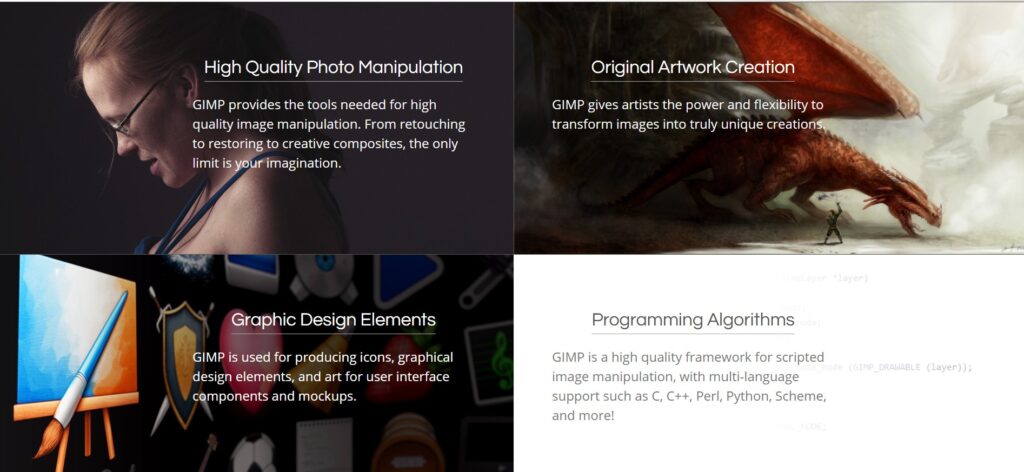
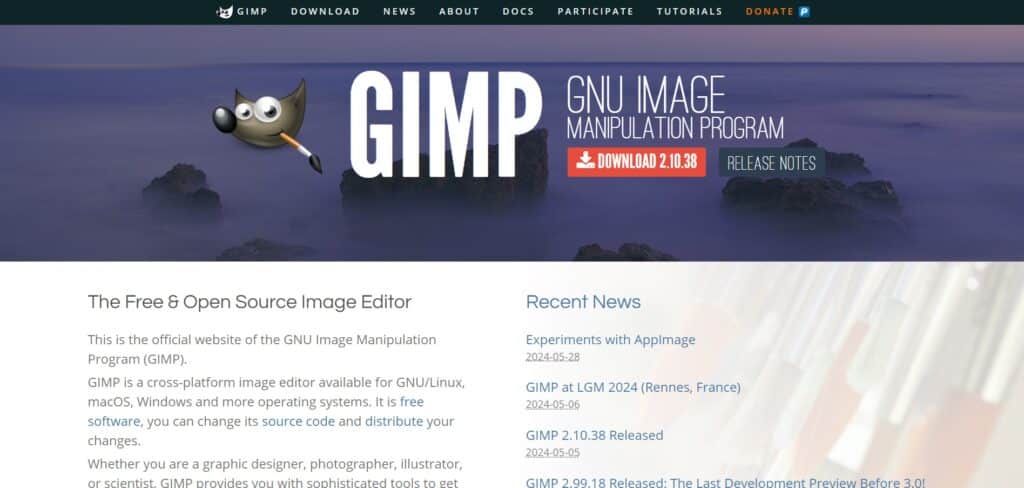
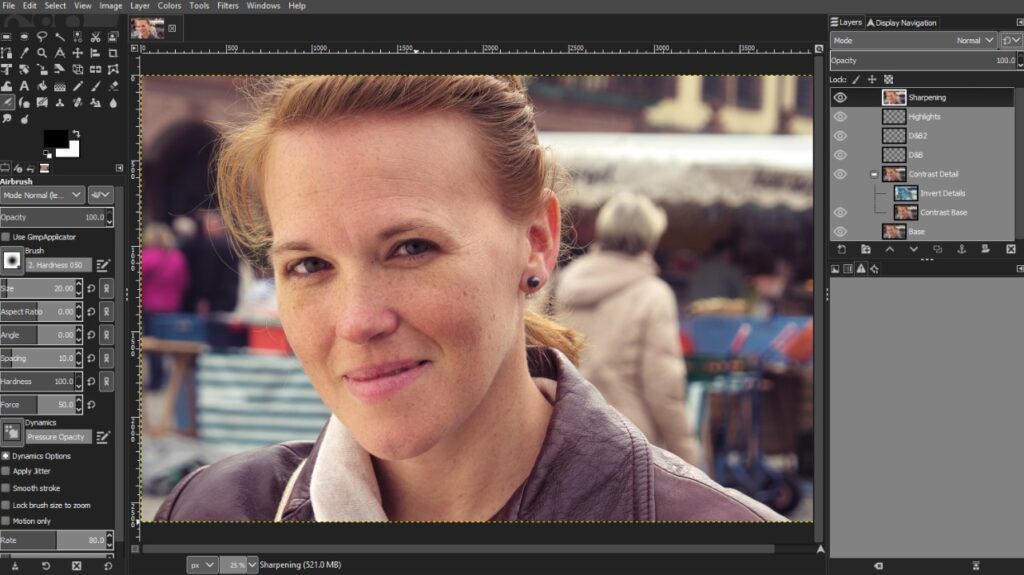
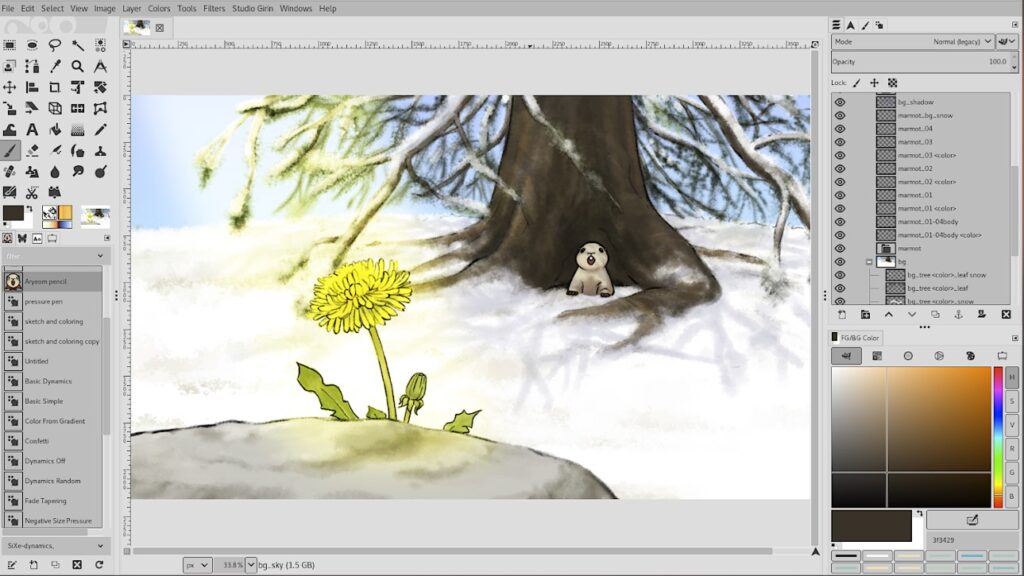
Description
Features
- Photo Retouching and Restoration
- Customizable Interface
- Support for Layers and Layer Masks
- Advanced Image Manipulation Tools
- Extensive Plugin and Script Support
- High-Quality Color Management
- Image Enhancement Tools
- Support for Various File Formats (including PSD)
- Graphic Design Elements Creation
- Multi-Language Scripting
Free Plan & Pricing
No paid plan available for GIMP
5 Ratings
[4.3/5]
[2.1/5]
5app.ai Rating
[N/A]
AI Review
[4/5]
GIMP is a free and cross-platform photo editing software with many useful tools and plugins. It offers powerful features like layer and mask support and non-destructive editing but has a somewhat dated interface and slower performance compared to paid software. It is a great option for beginners and intermediate users who want a capable editor without cost.
Sources:- Digitalcameraworld.com, G2.com, Creativebloq.com
Our Expert's Opinion
[4.3/5]
After using GIMP, I can say it's a very powerful tool, especially considering it's free and open-source. It has a lot of features like advanced photo editing and support for layers, which is great for detailed work. However, the interface can be a bit tricky to navigate at first, and it feels a little less polished compared to paid software like Photoshop. It also doesn't have some of the convenience features you might find in newer apps. But overall, GIMP is a solid choice if you're willing to spend time learning it, and it's perfect for anyone on a budget.
Videos
User Reviews - 0 reviews
Reviews
Write a ReviewThere are no reviews yet.