Summary
| Foundation Year | 2004 |
| Country | 🇺🇸 United States |
| Founders | Natalia Hudyakova Simonenko |
| Tier | Freemium, Paid |
| Platforms | Android App, Desktop App, iOS App, MacOS App |
| AI Features | Image Editing |
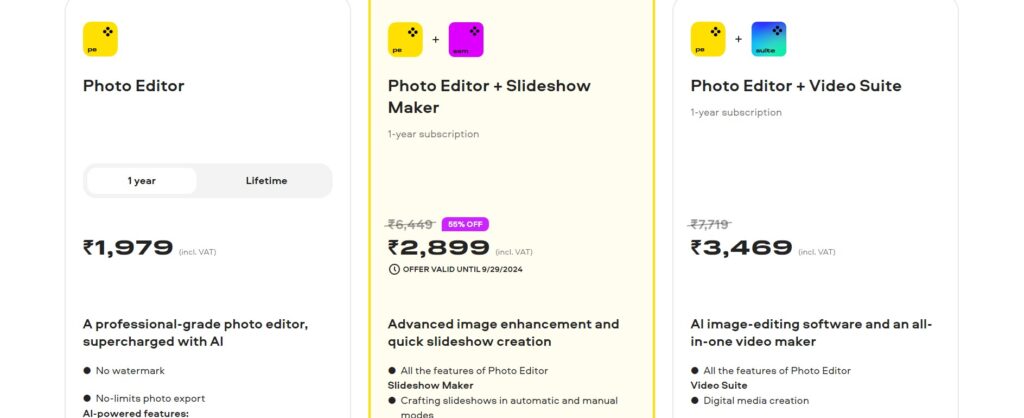
| Pricing From | $23.65 Per Year |
| Support | Yes (Email) |
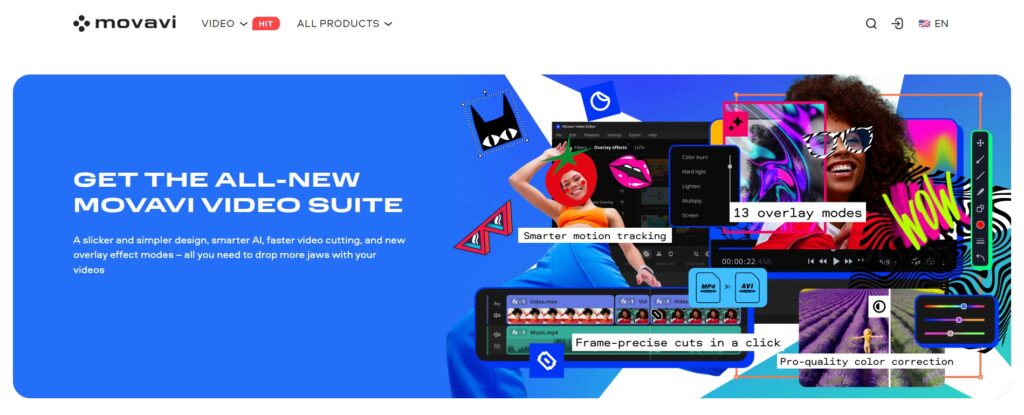
| Best Used For | Image and Video Editing |
| Affiliate Program | No |
| White Label | No |
| API | No |
Gallery
Description
Features
- AI-Powered Retouching
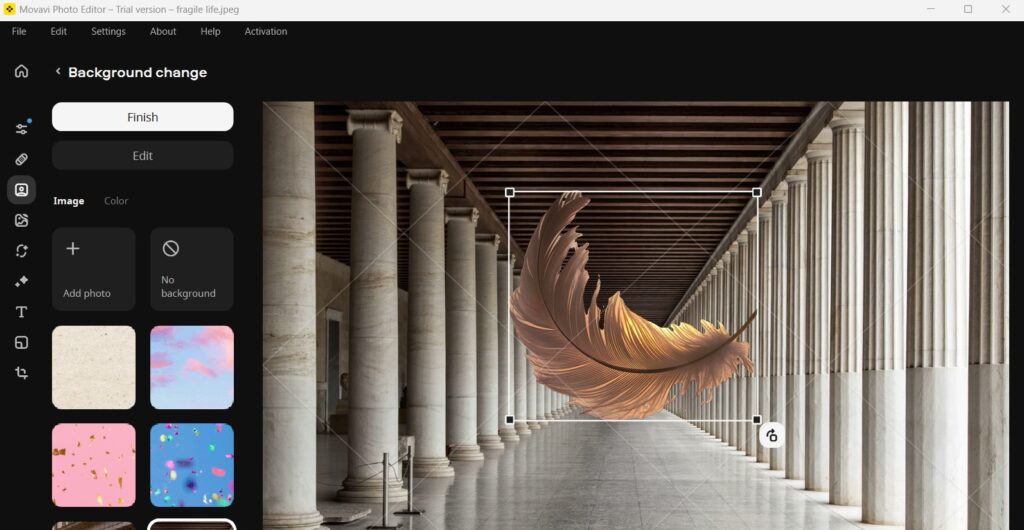
- Background Swap
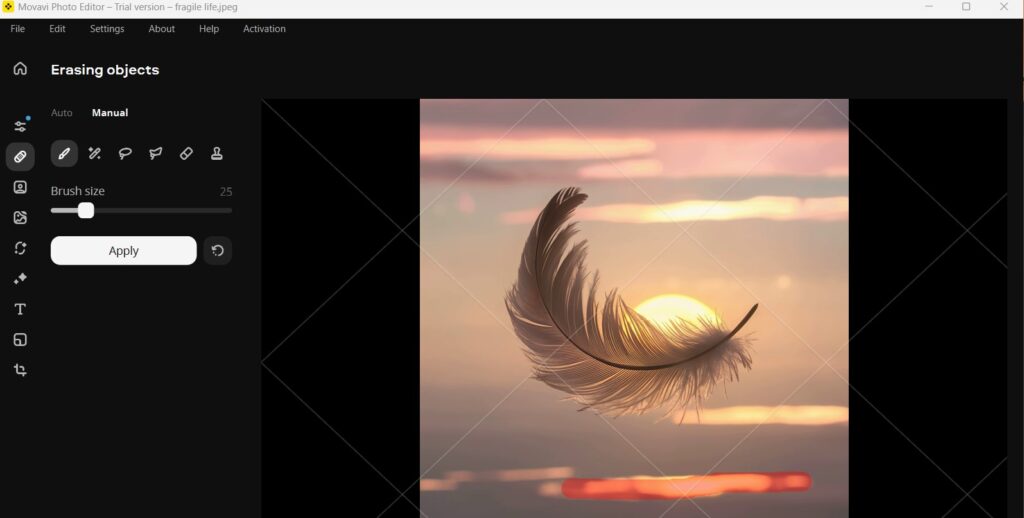
- Object Removal
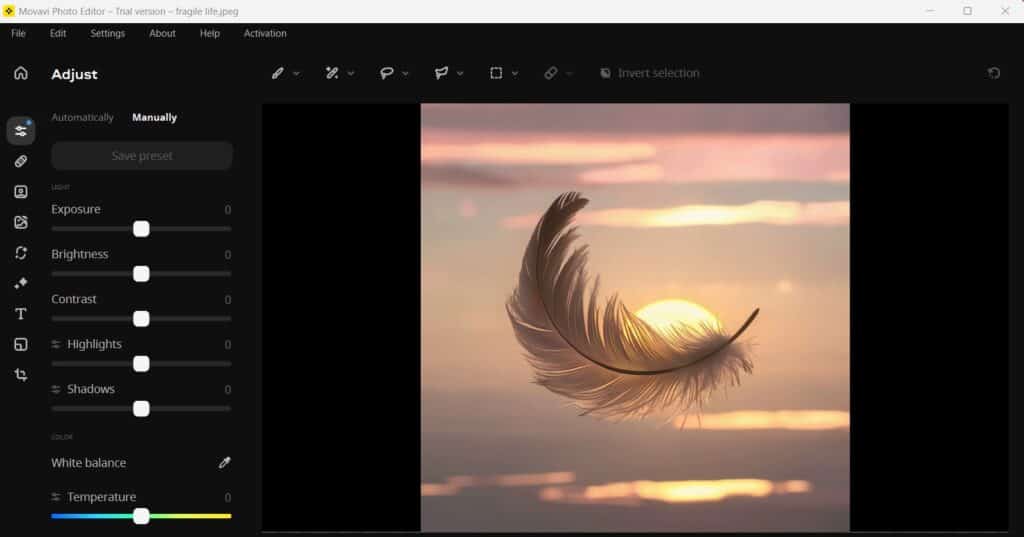
- Color Correction
- Presets
- Automatic Photo Enhancement
- Text Overlays
- Custom Sharpness Adjustment
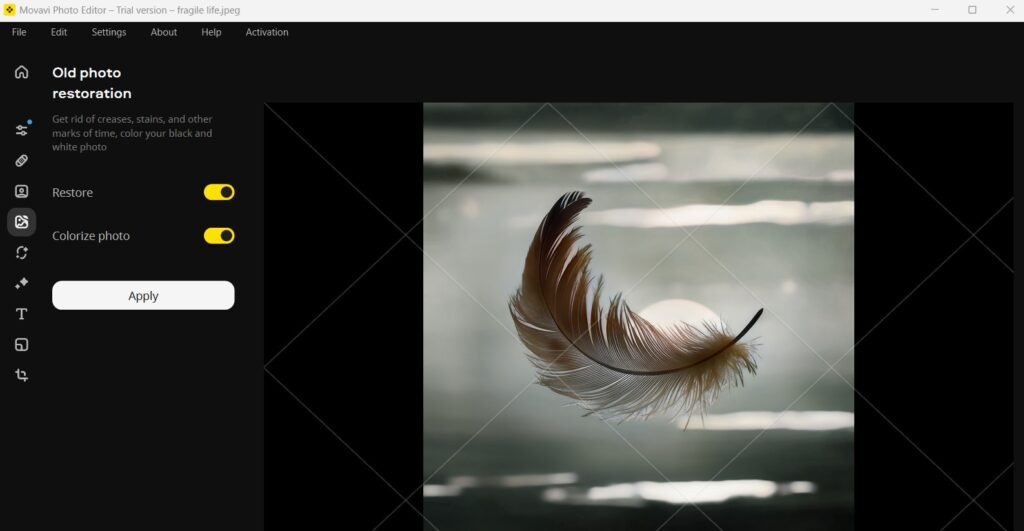
- Colorization
- Effects Library
Free Plan & Pricing
Refund Policy
5 Ratings
[4.6/5]
[4.5/5]
5app.ai Rating
[N/A]
AI Review
[4/5]
Movavi is a user-friendly video editor great for quick, professional-looking edits with useful AI features and a large effects library. It performs well on most computers and supports many formats, but some advanced features require extra payments and customer support can be slow.
Sources:- Capterra.com, G2.com, Thebusinessdive.com, Slrlounge.com
Our Expert's Opinion
[4/5]
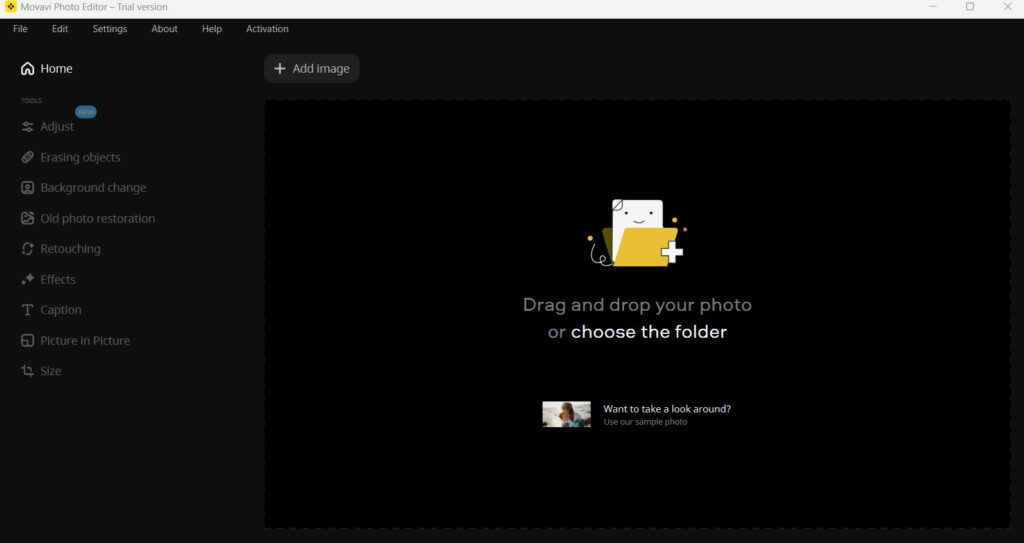
After testing Movavi Photo Editor, I found it to be very beginner-friendly with its easy interface and powerful AI features like object removal and background swaps. The tool is great for quick edits and fixing common issues like blemishes or adjusting colors, which makes it a solid choice for casual users. However, it does have some limitations, especially for those who want more advanced manual controls or are dealing with large image files. The free version also leaves watermarks, which can be frustrating when trying to fully test its capabilities. Overall, it's good for basic editing but might not satisfy professional needs.
Videos
User Reviews - 0 reviews
Reviews
Write a ReviewThere are no reviews yet.