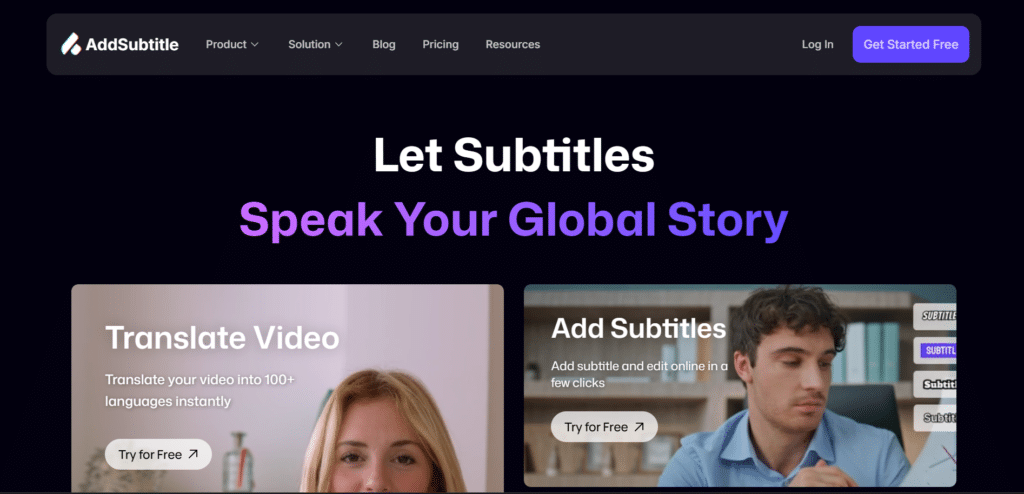
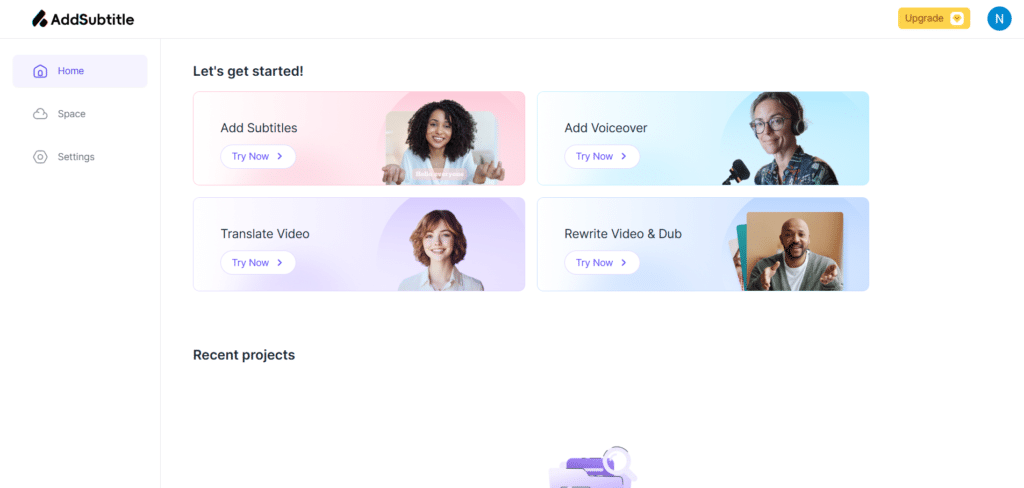
AddSubtitle is an easy-to-use online AI video editor that helps you add subtitles, translate videos, and even change what someone says—all in just a few clicks. You can translate your videos into 100+ languages, add bilingual subtitles, and rewrite the video by editing text like a document. It also lets you dub voices and make them sound natural in different languages, with perfect lip sync. You can customize subtitles with cool fonts and styles, making your videos stand out on TikTok, YouTube, or anywhere. Whether you’re a creator, student, or business, AddSubtitle helps you reach a global audience fast, and best of all—it’s free to start.
Save
Summary
Pro Tip: You can click on the green text to discover more matching apps!
| Foundation Year | 2024 |
| Country | 🇺🇸 United States |
| Founders | No founders listed |
| Tier | Freemium, Paid |
| Platforms | API, Web Browsers |
| AI Features | AI Dubbing, AI Transcription Generator, AI Translations, AI Video Editing, API, Subtitle customization, Subtitle Generator |
| Pricing From | $15 Per Month |
| Support | Yes (Email) |
| Best Used For | AI Subtitle Generator, Translations |
| Affiliate Program | No |
| White Label | No |
| API | Yes |
Gallery
Description
Features
- Auto Subtitle Generator
- Multilingual Translations
- Voice Translation & Cloning
- Perfect Lip Sync
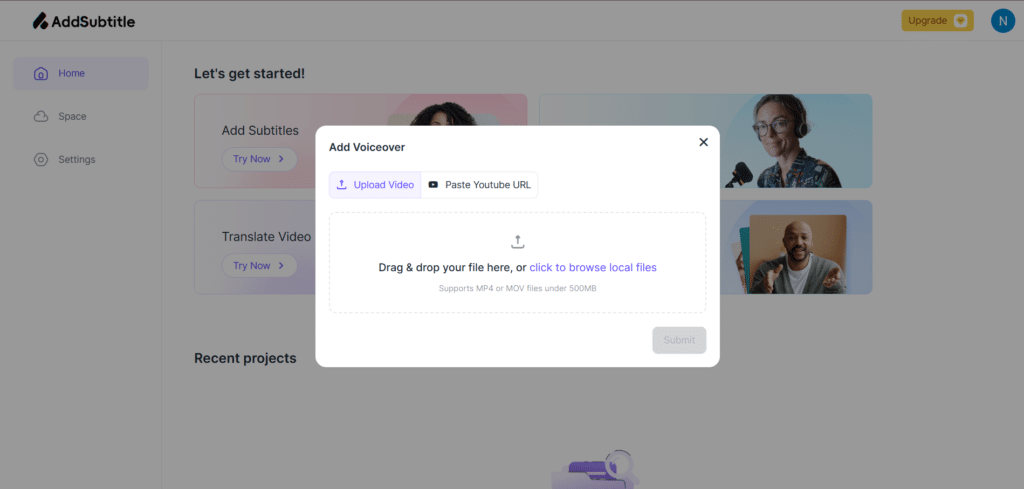
- YouTube URL Editing
- Text & Watermark Removal
- Subtitle Styling
- Video Rewrite
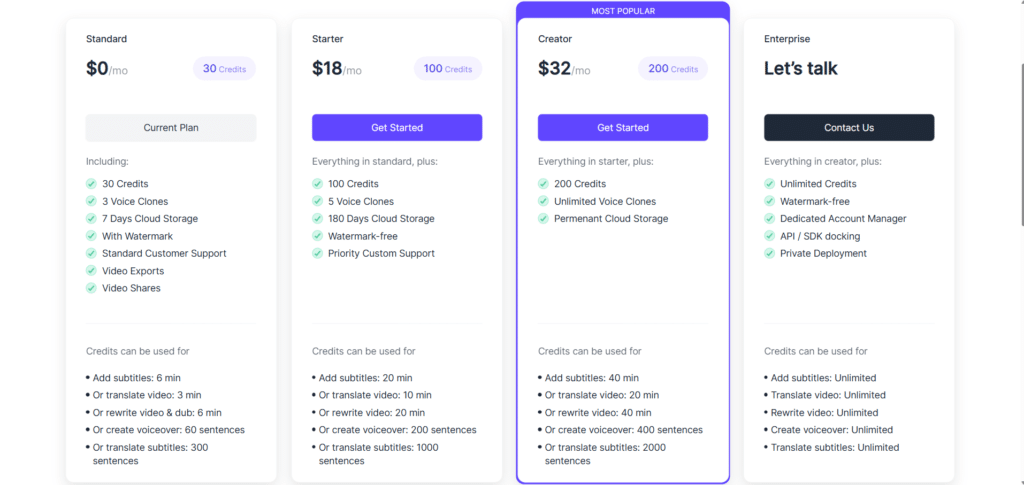
Free Plan & Pricing
Free Tier
Free
30 Credits
3 Voice Clones
7 Days Cloud Storage
With Watermark
Standard Customer Support
Video Exports
Video Shares
Paid Plans
Starter ($15 Per Month)
100 Credits
5 Voice Clones
180 Days Cloud Storage
Watermark-free
Priority Custom Support
Creator ($25 Per Month)
200 Credits
Unlimited Voice Clones
Permenant Cloud Storage
Enterprise
Unlimited Credits
Watermark-free
Dedicated Account Manager
API / SDK docking
Private Deployment
Refund Policy
AddSubtitle did not provide enough information about their refund policy.
5 Ratings
[N/A]
[N/A]
5app.ai Rating
[N/A]
AI Review
[4/5]
AddSubtitle is a useful AI-based tool for adding subtitles and video translation. Users appreciate its features and quick support, though some plans limit functionality like video quality and watermark removal.
Sources:- Serchen.com, Slashdot.org, Sourceforge.net
Our Expert's Opinion
[4/5]
I tried AddSubtitle after using other apps like VEED and Kapwing, and I think it’s a good tool but not perfect. The subtitles are very accurate and fast, and I liked how easy it was to translate and dub the video in different languages. The video rewrite tool is also fun and useful. But sometimes the interface feels a bit slow, and some features like lip-sync or voice cloning don’t always work smoothly, especially with longer videos. Also, I wish there were more editing options for background noise or video trimming. Overall, it’s a strong product if you want fast subtitles and translation, but it still needs a few improvements to match top video editors.
Videos
User Reviews - 0 reviews
Reviews
Write a ReviewThere are no reviews yet.