Summary
| Foundation Year | 2016 |
| Country | 🇺🇸 United States |
| Founders | Microsoft |
| Tier | Freemium, Paid |
| Platforms | Android App, iOS App, Web Browsers |
| AI Features | Gantt Charts, Kanban views, Progress Tracking, Project Management, Project pipelines, Project Reporting & Analytics, Project Views, Scheduling, Task Assignments & Due Dates, Task Management, Tasks & Subtasks, Team Inboxes, Time tracking |
| Pricing From | Planner 1 ($10 Per User Per Month) |
| Support | Yes (Email) |
| Best Used For | AI Project Management |
| Affiliate Program | No |
| White Label | No |
| API | No |
Gallery
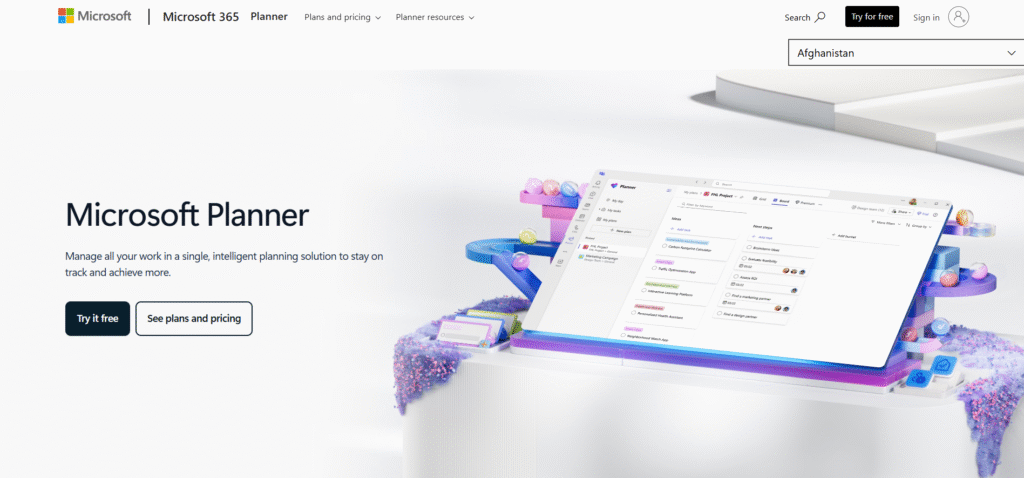
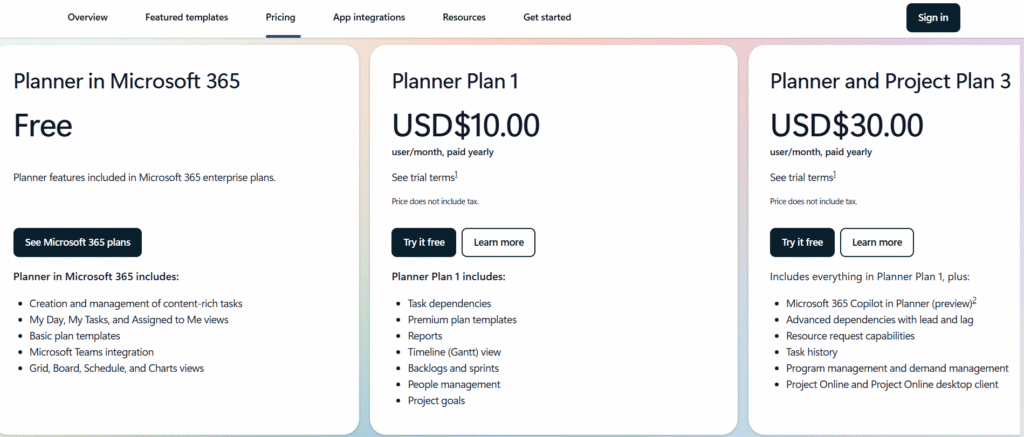
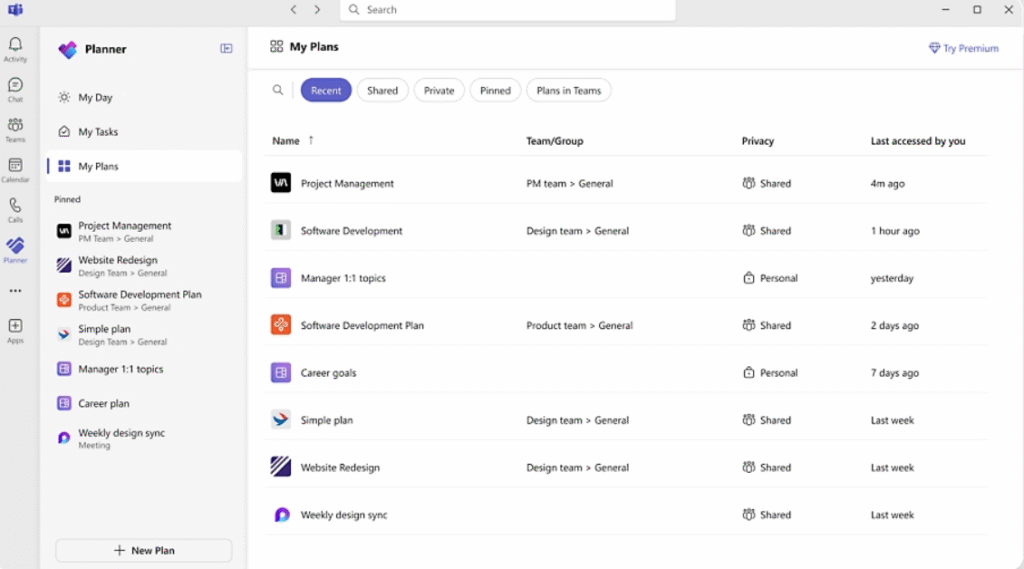
Description
Features
- Task creation and assignment
- Task labels and priorities
- Due dates and reminders
- Buckets (task grouping)
- Kanban board view
- Charts view (progress tracking)
- Schedule view (calendar)
- My Tasks and My Day views
- Microsoft Teams integration
- Outlook flagged email sync
- File attachments
- Comments and collaboration
- Plan templates (basic and premium)
- Task dependencies
- Timeline (Gantt) view
- Backlogs and sprints
- People and resource management
- Project goals
- Reports
- Task history
- Program and portfolio management
- Microsoft Loop integration
- Copilot AI planning (preview)
Free Plan & Pricing
Refund Policy
5 Ratings
[4.3/5]
[N/A]
5app.ai Rating
[N/A]
AI Review
[1.5/5]
Microsoft.com offers useful products but has very poor customer service. Many users report issues with account security, billing errors, and difficulty reaching live support.
Sources:- Sitejabber.com, Consumeraffairs.com
Our Expert's Opinion
[4/5]
After using Microsoft Project, I think it’s a powerful tool, but not always easy to use. It has many features like Gantt charts, task tracking, and planning tools, which are great for big projects. I liked how it connects with other Microsoft apps, and Copilot helps speed things up. But sometimes it feels too complex, especially for smaller teams or simple tasks. It can take time to learn, and some parts are a bit slow or confusing. If you only need basic planning, it might be too much. But for large projects, it really helps to stay organized.
Videos
User Reviews - 0 reviews
Reviews
Write a ReviewThere are no reviews yet.