Summary
| Foundation Year | 2020 |
| Country | 🇺🇸 United States |
| Founders | Champ Bennett |
| Tier | Freemium, Paid |
| Platforms | Web Browsers |
| AI Features | AI Video Animation, AI Video Editing, AI Video Generation, Animated Text Titles, Motion Design Systems, VoiceMagic |
| Pricing From | N/A |
| Support | Yes |
| Best Used For | AI Video Editing |
| Affiliate Program | No |
| White Label | No |
| API | No |
Gallery


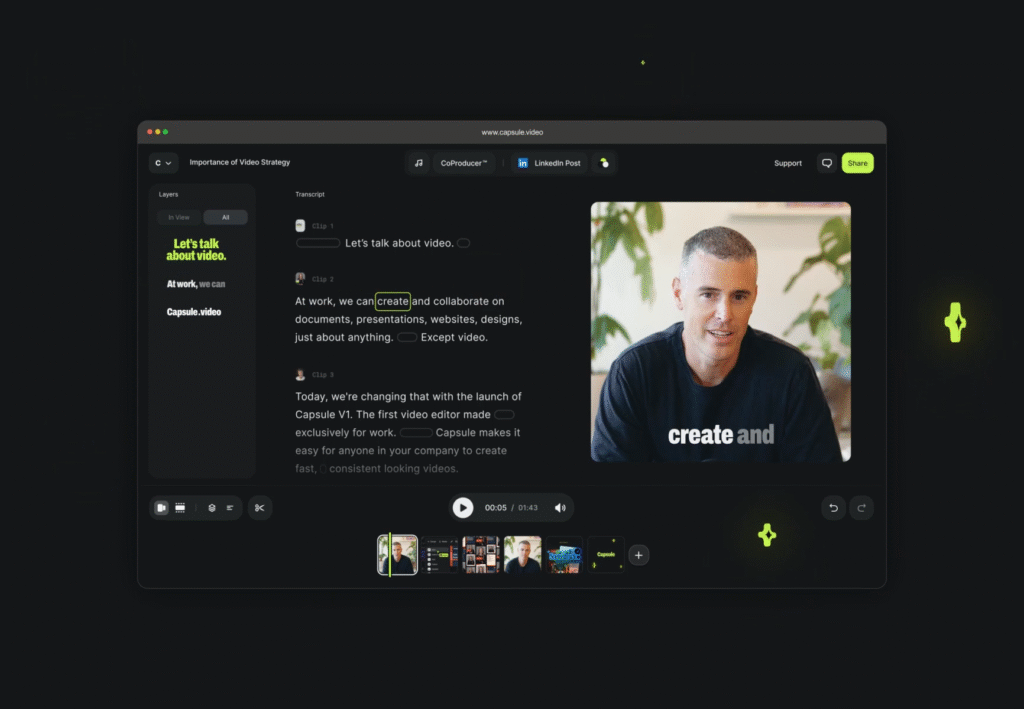
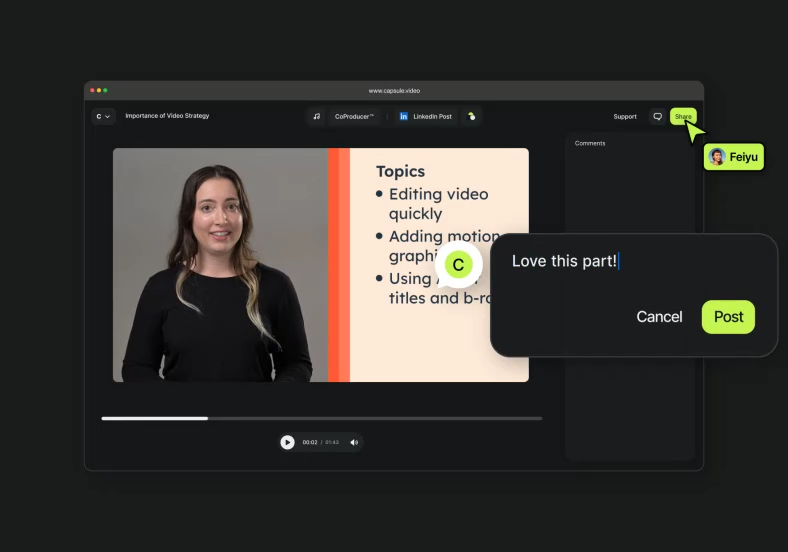
Description
Features
- Motion Design Systems
- VoiceMagic
- Auto Frame
- Soundtrack
- Real-Time Collaboration
- Generative B-roll
- Animated Text Titles
- Polished Captions
- Social-Optimized Exports
- Responsive Templates
Free Plan & Pricing
Refund Policy
5 Ratings
[N/A]
[N/A]
5app.ai Rating
[N/A]
AI Review
[4/5]
Capsule.Video is praised for its AI-powered editing tools that make video creation fast and easy, helping teams stay on brand with responsive templates. It is useful for content and marketing teams needing collaboration and professional-quality results without requiring design skills. Some users noted it can be slow with large videos and would benefit from more editing options.
Sources:- Softwareadvice.com, Capterra.com, Capsule.video
Our Expert's Opinion
[4.5/5]
After testing Capsule and using similar video editing tools, it’s clear that Capsule has strengths but also some room for improvement. The AI-powered features like VoiceMagic and Auto Frame are very helpful and save a lot of time, especially for quick, professional-looking edits. Turning After Effects designs into templates is a game-changer for staying on brand. However, some of the tools, like the music suggestions, feel less accurate and could use better AI tuning. The real-time collaboration is great in theory, but it’s not as smooth as expected and sometimes slows down with larger projects. Overall, it’s a solid tool for teams who need quick, branded videos, but it could benefit from better fine-tuning and performance stability.
Videos
User Reviews - 0 reviews
Reviews
Write a ReviewThere are no reviews yet.