Summary
| Foundation Year | 2023 |
| Country | 🇮🇳 India |
| Founders | Rahul Pawar, Antariksha Joshi |
| Tier | Freemium, Paid |
| Platforms | Web Browsers |
| AI Features | AI Video Editing, Subtitle customization, Subtitle Generator, Transcription, Translation |
| Pricing From | Pay As You Go |
| Support | Yes (Email) |
| Best Used For | AI Subtitle Generation, Video Editing |
| Affiliate Program | No |
| White Label | No |
| API | No |
Gallery
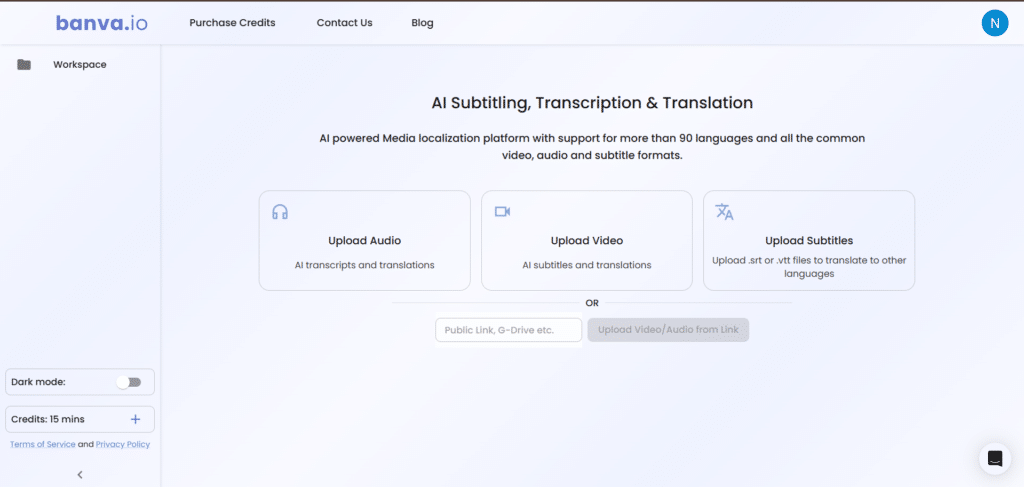
Description
Features
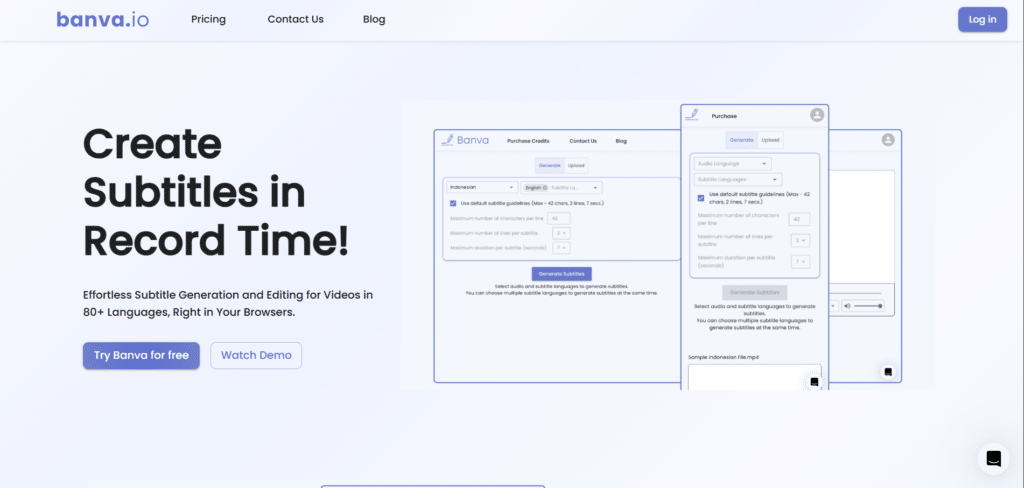
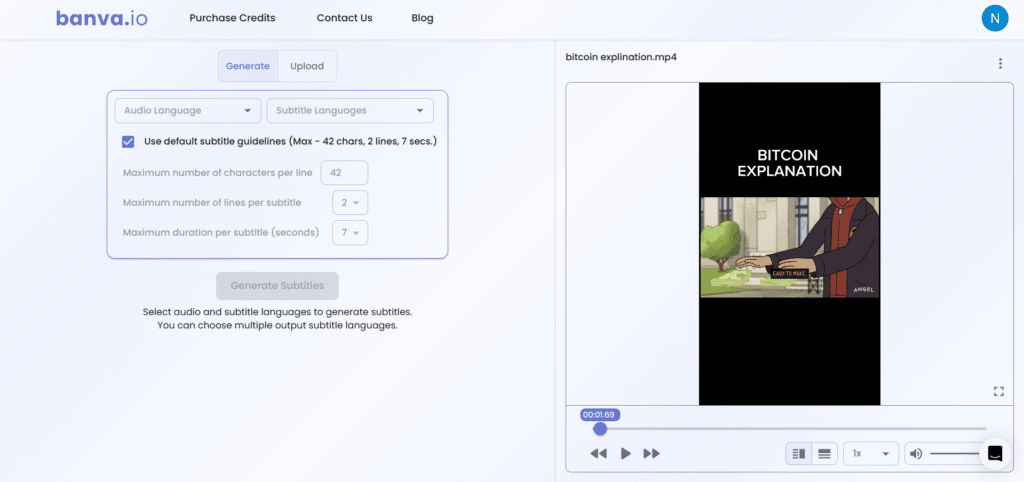
- AI Subtitle Generation
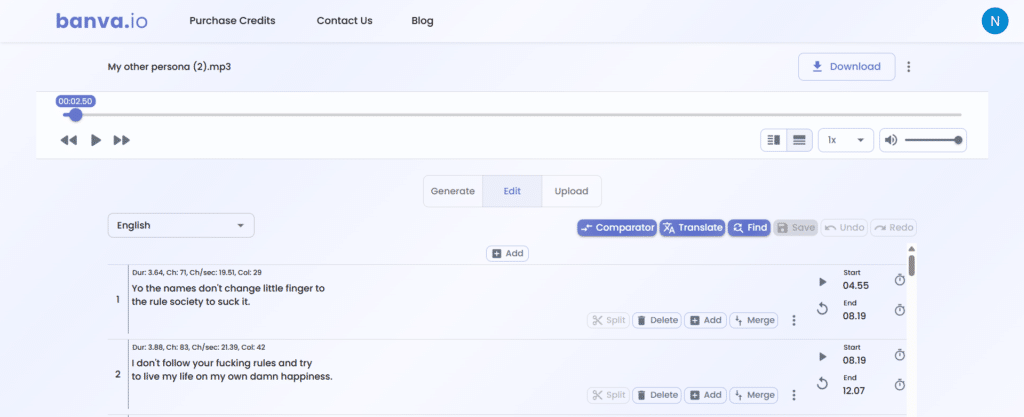
- Subtitle Editing
- Subtitle Styling (font, color, position, etc.)
- Subtitle Burning (embed into video)
- Multi-language Support (80+ languages)
- Transliteration (e.g., Hindi in English script)
- Fast Processing (1-hour video in 5–10 mins)
- Subtitle Translation
- Export in Multiple Formats (SRT, VTT, TXT, JSON)
- Browser-Based Workflow
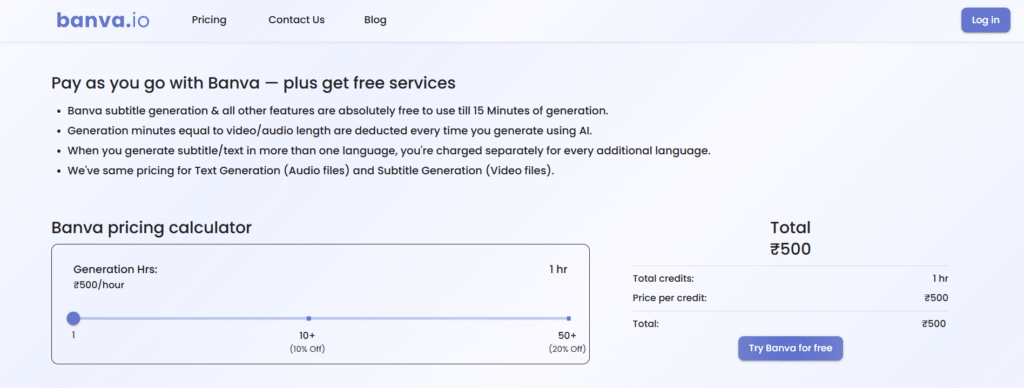
- Pay-as-you-go Pricing
- Free Subtitle Editing
- Blog & Learning Resources
Free Plan & Pricing
Refund Policy
5 Ratings
[N/A]
[N/A]
5app.ai Rating
[N/A]
AI Review
[5/5]
Banva is praised for its fast, accurate subtitle generation in over 50 languages, affordable pay-as-you-go pricing, and easy browser-based editing and styling tools. Users find it reliable and user-friendly, though the free trial credit is limited.
Sources:- Aichief.com, Topai.tools, Producthunt.com
Our Expert's Opinion
[4.5/5]
I tried Banva AI after using many other subtitle tools, and I think it’s really fast and easy to use, especially for making subtitles in different languages. The auto-generation is mostly correct, and I liked that I could style and burn subtitles into the video right in my browser. But sometimes, the timing of the subtitles is a little off, and I had to fix it by hand. Also, the transliteration is helpful, but not always perfect. I wish it had more advanced editing options like voice separation or speaker tags. Still, for quick subtitle work, it’s a solid tool that saves a lot of time.
Videos
User Reviews - 0 reviews
Reviews
Write a ReviewThere are no reviews yet.