Summary
| Foundation Year | 2021 |
| Country | 🇺🇸 United States |
| Founders | Dan Kang |
| Tier | Freemium, Paid |
| Platforms | API, Web Browsers |
| AI Features | API, Browser automation, Cross-browser testing, Cross-platform testing, Scheduling |
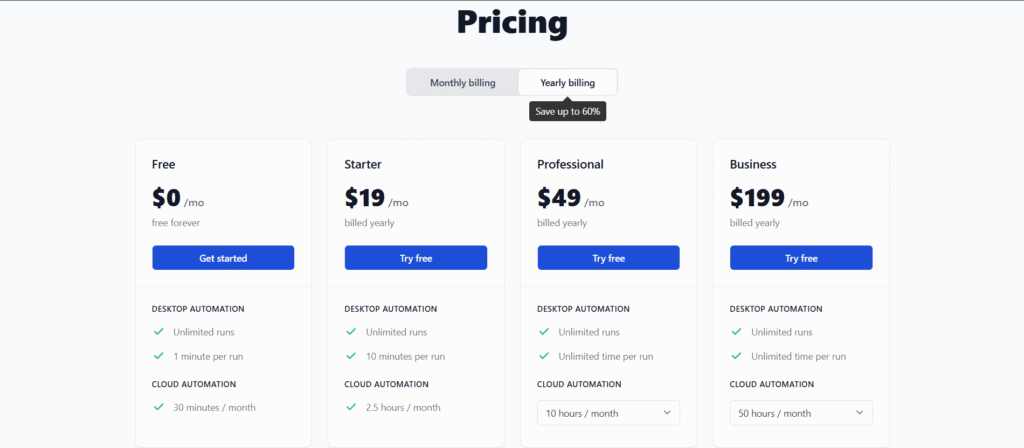
| Pricing From | $19 Per Month |
| Support | Yes (Email) |
| Best Used For | AI Browser Automation |
| Affiliate Program | No |
| White Label | No |
| API | Yes |
Gallery
Description
Features
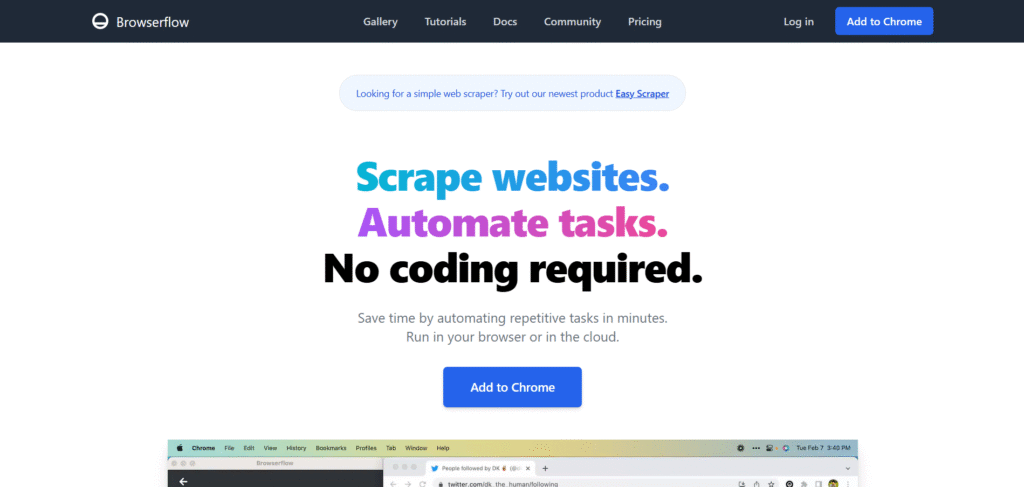
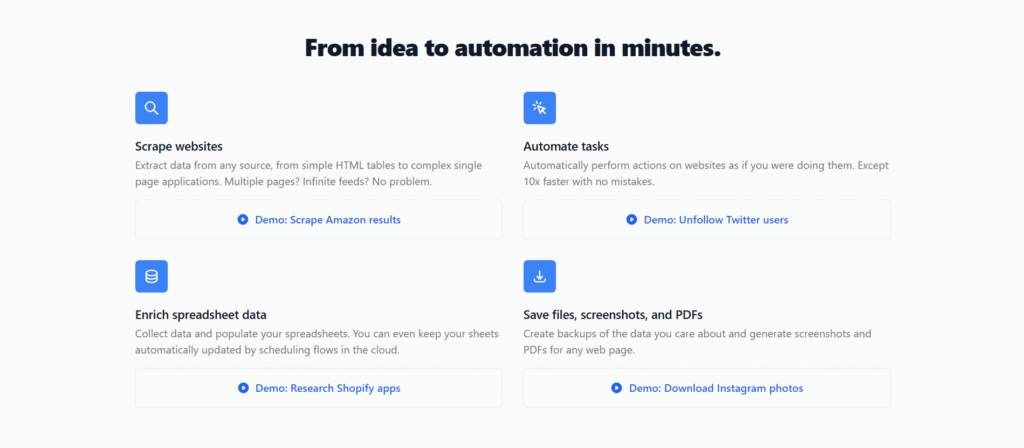
- Scrape websites / Extract data
- Web automation
- Visual flow editor
- Action recorder (record & replay)
- Run flows in browser
- Run flows in the cloud
- Google Sheets integration
- Schedule flows
- Export data as CSV / JSON
- Custom JavaScript steps
Free Plan & Pricing
Refund Policy
5 Ratings
[N/A]
[3.7/5]
5app.ai Rating
[N/A]
AI Review
[4.8/5]
Browserflow is a highly praised web automation tool that saves time and is easy to use without coding. Users find it reliable, with features that automate repetitive tasks, scrape websites, and integrate with Google Sheets. The free tier is a popular feature, and users appreciate its ability to run both locally and in the cloud.
Sources:- Chromewebstore.google.com, Chrome-stats.com, Browserflow.app
Our Expert's Opinion
[4.7/5]
After using Browserflow for a while, I feel it is a very handy tool for everyday web automation and scraping, especially because it runs as a Chrome extension and lets me build flows without code. I like how easy it is to record actions, scrape data, and send it into a sheet or a file, and the built-in scheduler is great when I want a task to run again and again in the background. The free plan is nice for testing, but the short run time and limits mean that any serious or long workflow quickly needs a paid plan, which may feel expensive if you only use it sometimes. I also notice that it is Chrome-only and not the best choice for very large or complex projects, so for heavy automation I still look at other tools. Like most browser automation tools, flows can break when a website layout changes, so you must check and fix things now and then, but overall it saves me a lot of time on simple, repeatable web tasks.
Videos
User Reviews - 0 reviews
Reviews
Write a ReviewThere are no reviews yet.