Summary
| Foundation Year | 2017 |
| Country | 🇺🇸 United States |
| Founders | Andrew Mason |
| Tier | Freemium, Paid |
| Platforms | Android App, Desktop App, iOS App, MacOS App, Web Browsers |
| AI Features | AI Content Creation, AI Workflow Integration, Collaboration, Generative AI, Subtitle Generator, Transcription, Translation |
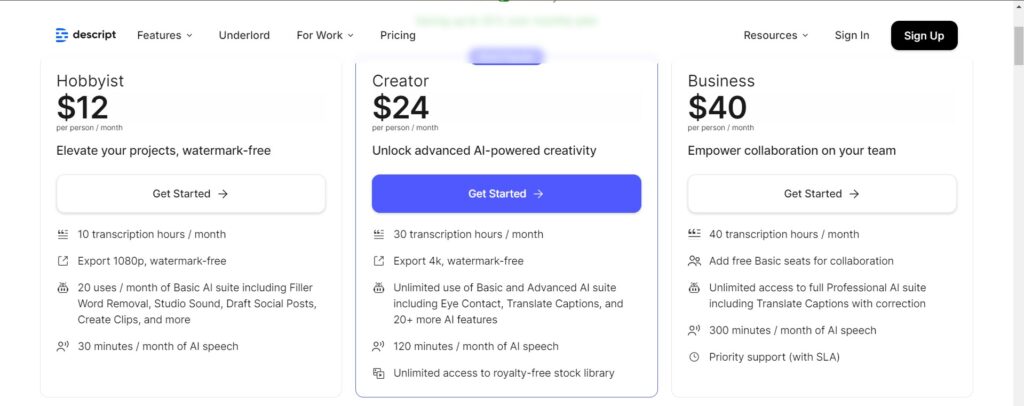
| Pricing From | $12 Per Person Per Month |
| Support | Yes |
| Best Used For | Subtitle, Screen Recording, Transcription Generator |
| Affiliate Program | Yes |
| White Label | No |
| API | No |
Gallery
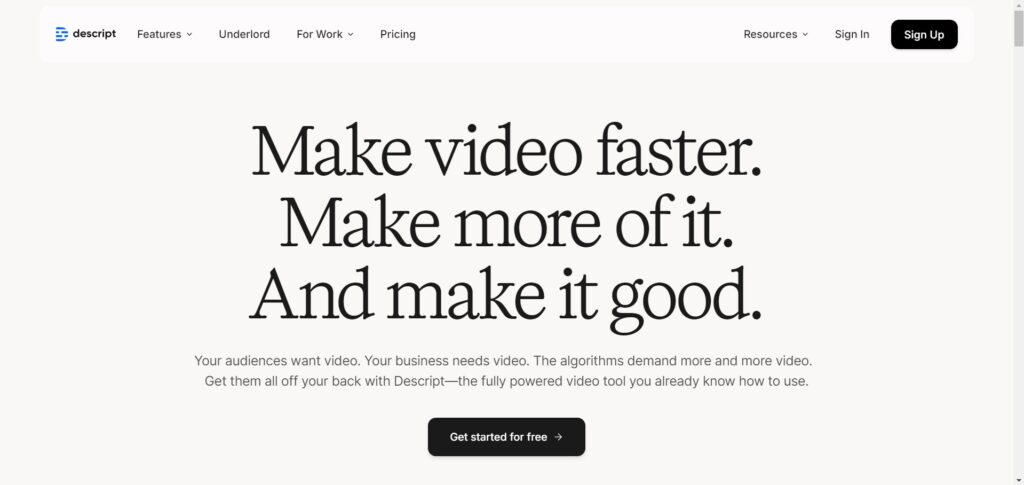
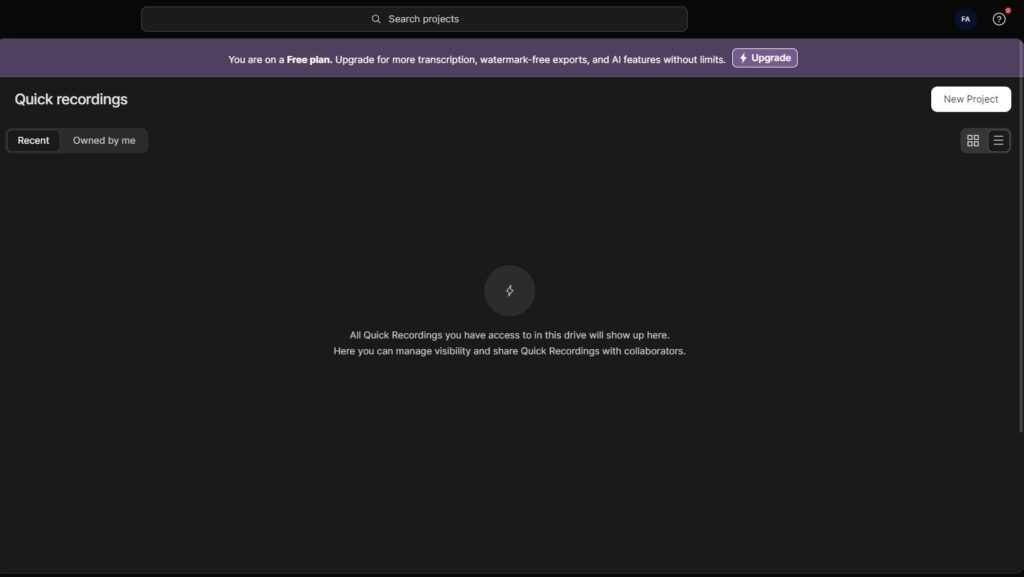
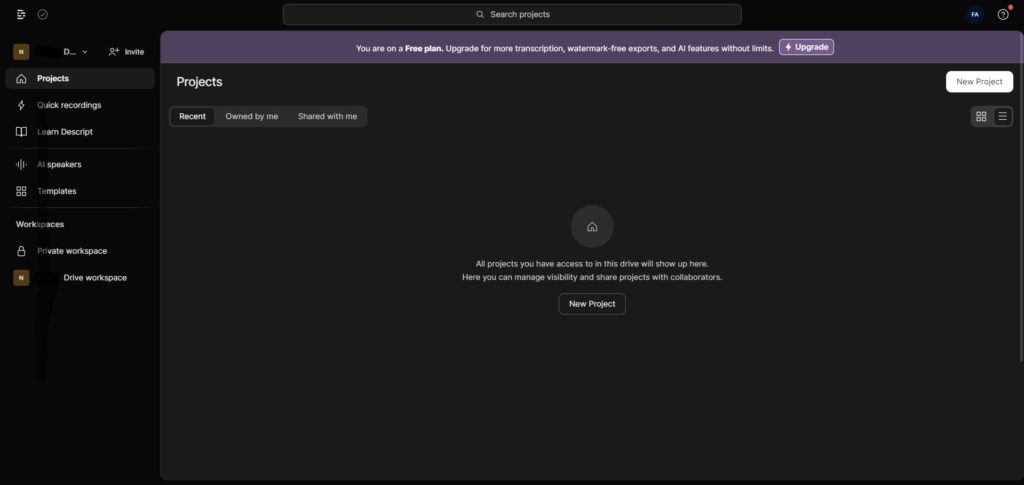
Description
Features
- Underlord
- Video Editing
- Podcasting
- Clips
- Transcription
- Remote Recording Studio
- Screen Recording
- Captions & Subtitles
- Translate Video
- AI Eye Contact
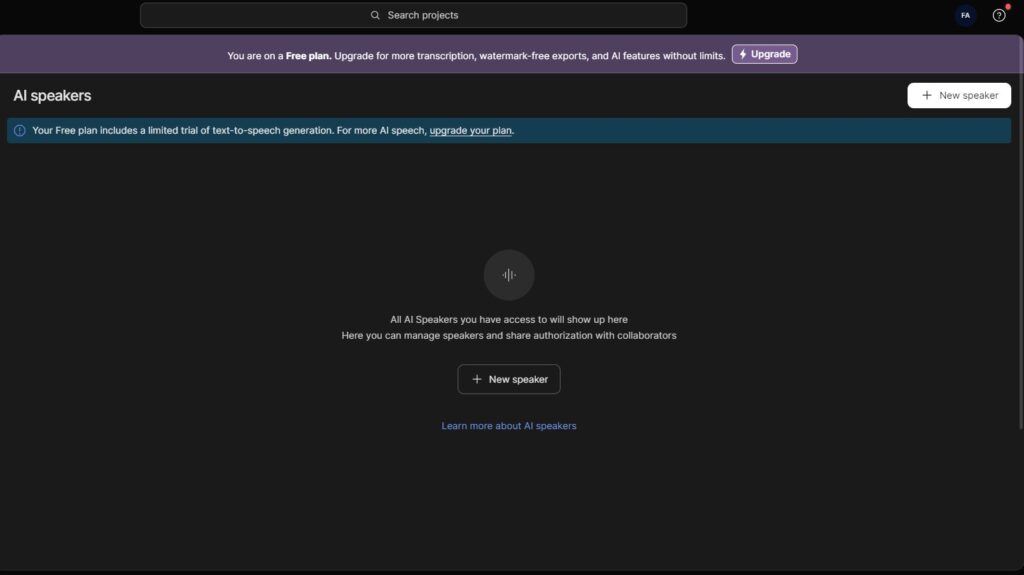
- Text-to-Speech
- Studio Sound
- Regenerate
- AI Green Screen
Free Plan & Pricing
Refund Policy
5 Ratings
[4.6/5]
[2.2/5]
5app.ai Rating
[N/A]
AI Review
[4/5]
Descript is very user-friendly and effective for editing audio and video by transcript, with about 95% transcription accuracy. It is affordable and great for podcasters and content creators needing quick editing with features like filler word removal and Studio Sound. However, some AI edits need review and the interface can be confusing for new users.
Sources:- G2.com, Earlystagemarketing.com, Capterra.com, Workfromyourlaptop.com, Notta.ai
Our Expert's Opinion
[4.5/5]
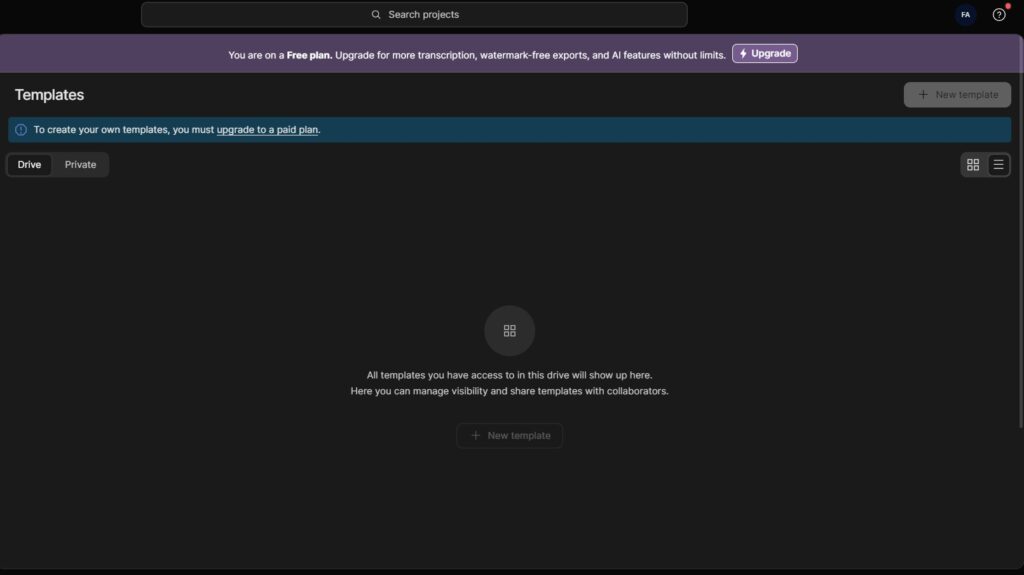
After trying Descript, I found it very easy to use for editing videos and podcasts. The AI tools, like filler word removal and background replacement, saved me a lot of time. The transcription feature was also fast and accurate. However, the free plan is very limited, and some advanced AI features felt like they needed a bit more polishing to work perfectly. While it’s great for quick edits, anyone looking for more complex video editing might find the timeline editor a bit basic. Overall, it’s a strong tool, but not without a few small drawbacks.
Videos
User Reviews - 0 reviews
Reviews
Write a ReviewThere are no reviews yet.