Summary
| Foundation Year | 2017 |
| Country | 🇨🇦 Canada |
| Founders | Aydin Mirzaee, Amin Mirzaee, Samuel Cormier-Iijima |
| Tier | Freemium, Paid |
| Platforms | API, Desktop App, MacOS App, Web Browsers |
| AI Features | AI Meeting Assistant, AI Meeting Notes & Tasks, AI Transcription Generator, Ask Fellow, Bot video recording, Botless audio capture, Decision capture |
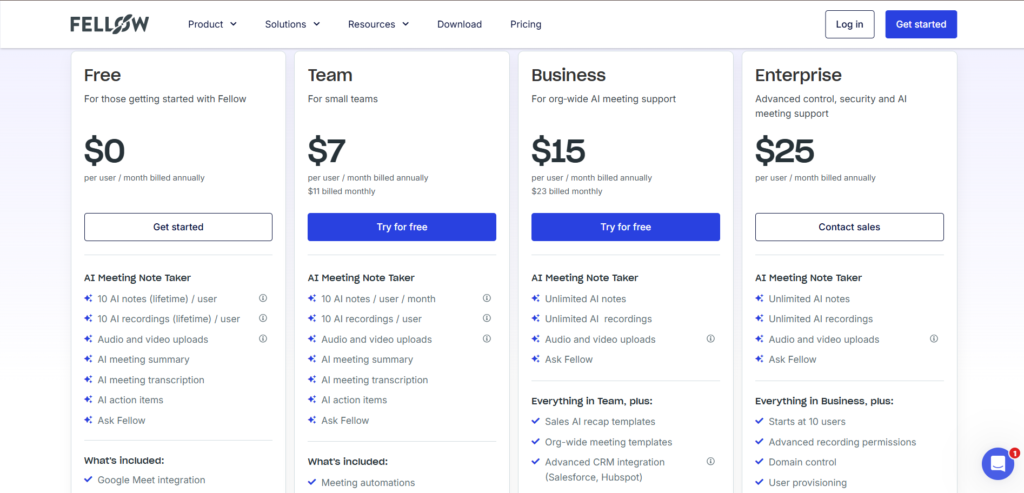
| Pricing From | $7 Per User Per Month |
| Support | Yes (Email) |
| Best Used For | AI Meeting Assistant |
| Affiliate Program | No |
| White Label | No |
| API | No |
Gallery
Description
Features
- Bot video recording
- Botless audio capture
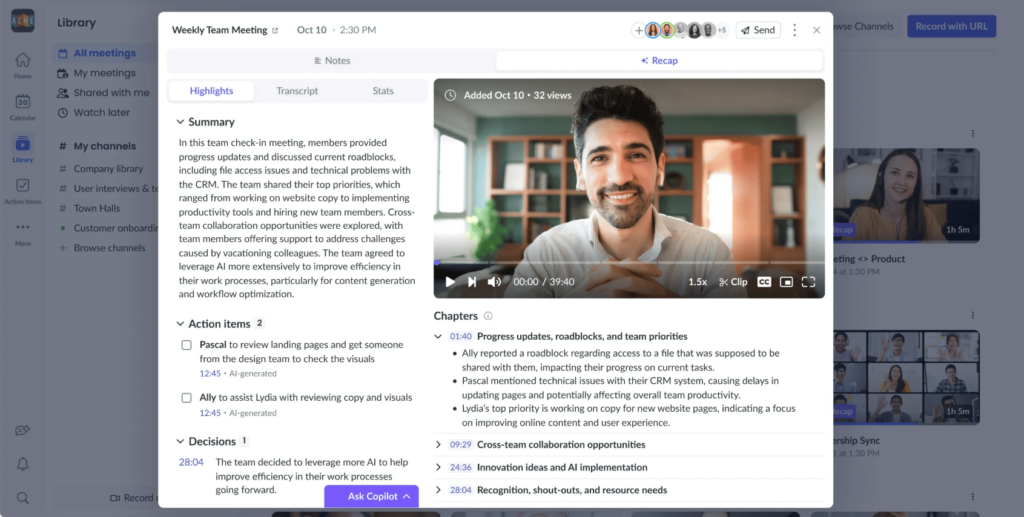
- Meeting summaries
- AI action items
- Decision capture
- Topic-based minutes
- Full searchable transcript
- Ask Fellow (meeting Q&A search)
- AI note templates
- Collaborative meeting agendas & agenda templates
Free Plan & Pricing
Refund Policy
5 Ratings
[4.7/5]
[1/5]
5app.ai Rating
[N/A]
AI Review
[4.7/5]
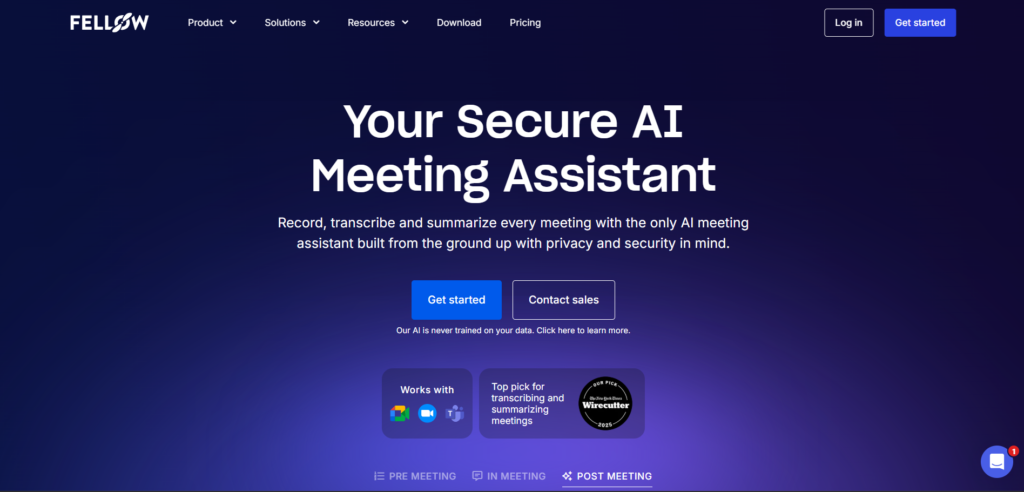
Fellow.ai is a highly praised AI meeting assistant for its accurate transcriptions, summaries, and action item tracking, boosting productivity and reducing note-taking workload. Users love the intuitive interface, strong security, and integrations with tools like Zoom and Google Meet, though some note limited free plan features and occasional AI inaccuracies.
Sources:- Producthunt.com, G2.com, Fellow.ai
Our Expert's Opinion
[4.6/5]
After testing Fellow, I liked how fast it gives a meeting summary, clear action items, and a searchable transcript, and I also liked that it can capture meetings with bot video recording or botless audio and works with Google Meet, Zoom, MS Teams, and Slack. I felt more comfortable trying it because Fellow says its AI is not trained on your data, and it highlights security and compliance like SOC 2 and GDPR (and HIPAA support if needed). But it is not perfect: the free plan limits are small (only 10 AI notes and 10 AI recordings total per user), so you can hit the cap quickly, and G2 feedback shows some people struggle with task/action item management and calendar integration issues. Also, G2 comparisons suggest some competitors can be stronger on speech-to-text, so I would still double-check important lines before sharing notes.
Videos
User Reviews - 0 reviews
Reviews
Write a ReviewThere are no reviews yet.