Summary
| Foundation Year | 2014 |
| Country | 🇨🇾 Cyprus |
| Founders | Dmitriy Lizunov, Alexander K. Trigubov |
| Tier | Free Trial, Paid |
| Platforms | Android App, iOS App, Web Browsers |
| AI Features | Kanban views, Progress Tracking, Project Management, Project Reporting & Analytics, Project Views, Task Assignments & Due Dates, Task Management, Tasks & Subtasks |
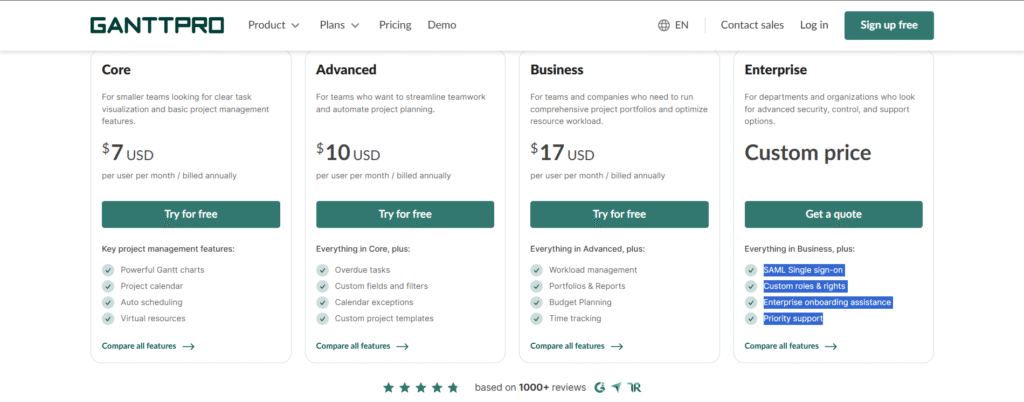
| Pricing From | $7 Per User Per Month |
| Support | Yes (Email) |
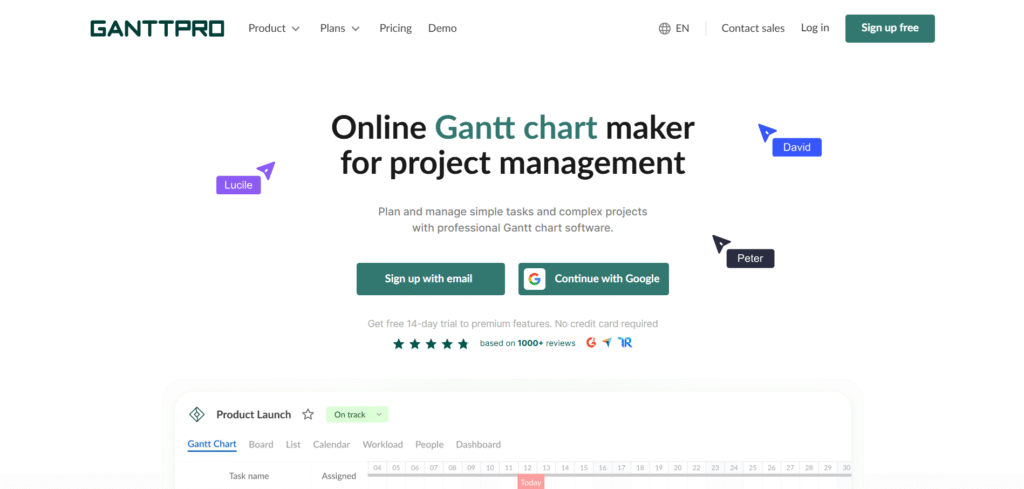
| Best Used For | AI project Management |
| Affiliate Program | Yes |
| White Label | No |
| API | No |
Gallery
Description
Features
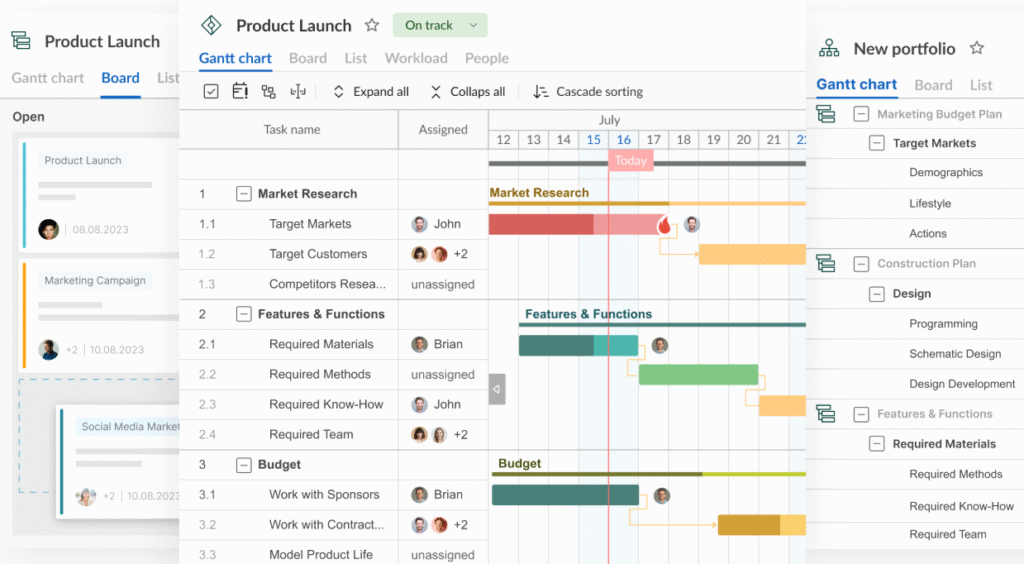
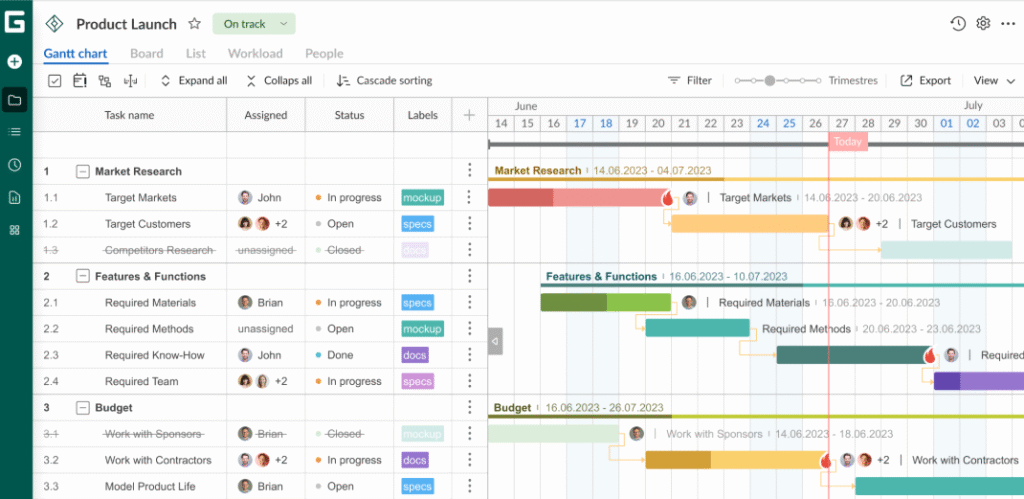
- Gantt chart
- Grid view
- Board view
- List view
- Calendar view
- Portfolio view
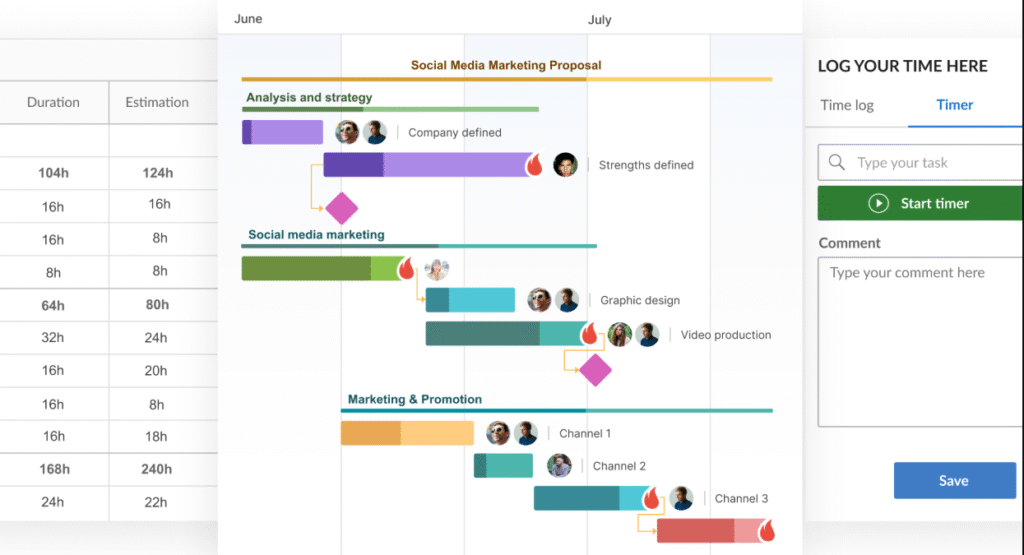
- Dependencies
- Auto scheduling
- Milestones
- Project calendar
- Task hierarchy
- Baseline
- Critical path
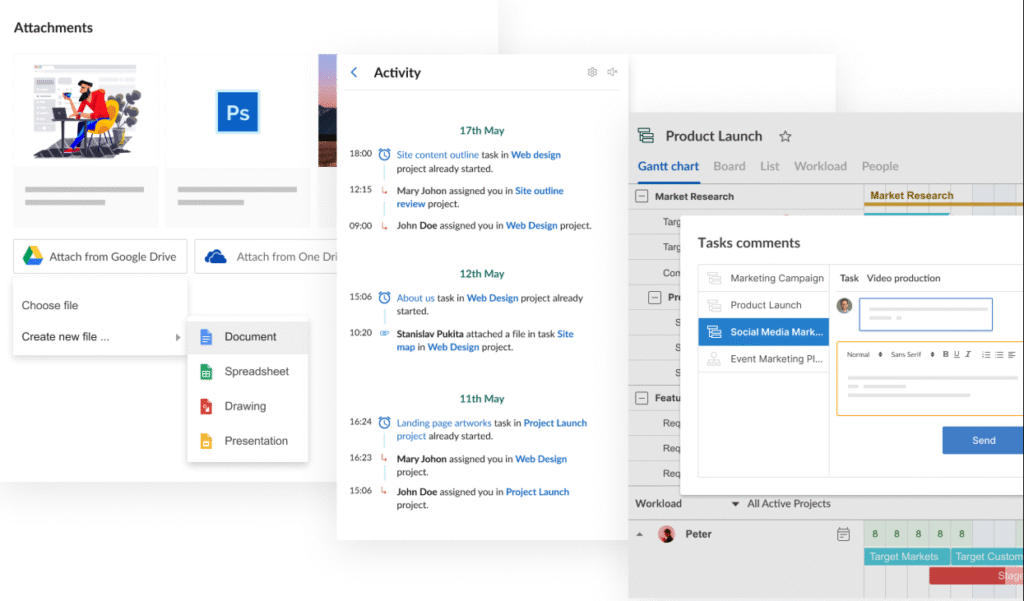
- History of changes
- Overdue highlighting
- Bulk change
- Filters
- Standard fields
- Custom fields
- Custom colors
- Priority
- Status
- Real-time sync
- Attachments
- Comments
- Mentions
- Notifications
- Task time tracker
- Time log reports
- Deadlines
- Duration
- Estimation
- Assignees
- Virtual resources
- Workload view
- Action log
- Rights
- Roles
- Personal calendars
- Import
- Export
- Public links
- Private links
- Pre-configured templates
- Custom templates
- Reusable task blocks
- Budget tracking
- Auto budget calculation
- Manual budget calculation
- Budget analysis reports
- Slack integration
- Microsoft Teams integration
- Jira integration
- Google Drive integration
- SSO
- Two-factor authentication
- Knowledge base
- Live chat
- Personal account manager
- iOS app
- Android app
Free Plan & Pricing
Refund Policy
5 Ratings
[4.7/5]
[4.4/5]
5app.ai Rating
[N/A]
AI Review
[4.8/5]
GanttPRO is easy to use and intuitive, making project planning simple even for beginners. Its visual Gantt charts, cloud access, and collaboration features are highly appreciated, though some users desire a more refined mobile app and additional pre-configured templates.
Sources:- Capterra.com, G2.com, Getapp.com
Our Expert's Opinion
[4.5/5]
I tried GanttPRO after using other project tools like Trello and Microsoft Project. The design is clean, and it was easy to start planning with the Gantt chart. I liked how I could drag tasks, add dependencies, and see everything in one timeline. It also helped me track time and team workload better than some other apps. But it’s not perfect. The mobile app feels limited, and some things like undo or editing many tasks at once were a bit slow or missing. Also, it’s not free you only get a short trial. Still, if you need strong Gantt features and a simple setup, it’s a good tool to try, just don’t expect it to do everything.
Videos
User Reviews - 0 reviews
Reviews
Write a ReviewThere are no reviews yet.