Summary
| Foundation Year | 2012 |
| Country | 🇺🇸 United States |
| Founders | Icons8 |
| Tier | Freemium, Paid |
| Platforms | API, Web Browsers |
| AI Features | AI background removal, AI Image Editor, Change gaze direction, Change gender appearance, Change hairstyle, Enhance image resolution, Reshape facial features |
| Pricing From | N/A |
| Support | Yes (Chat) |
| Best Used For | AI Photo Editing |
| Affiliate Program | Yes |
| White Label | No |
| API | Yes |
Gallery

Description
Features
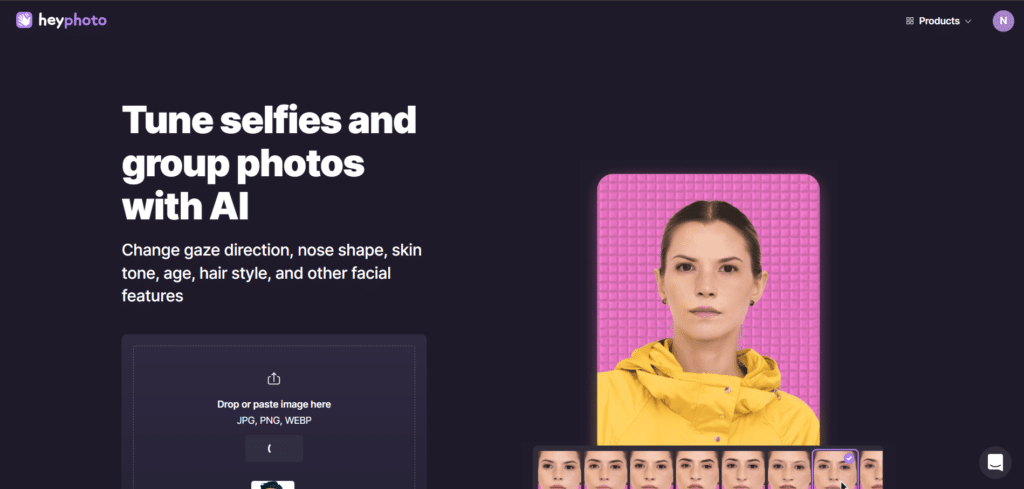
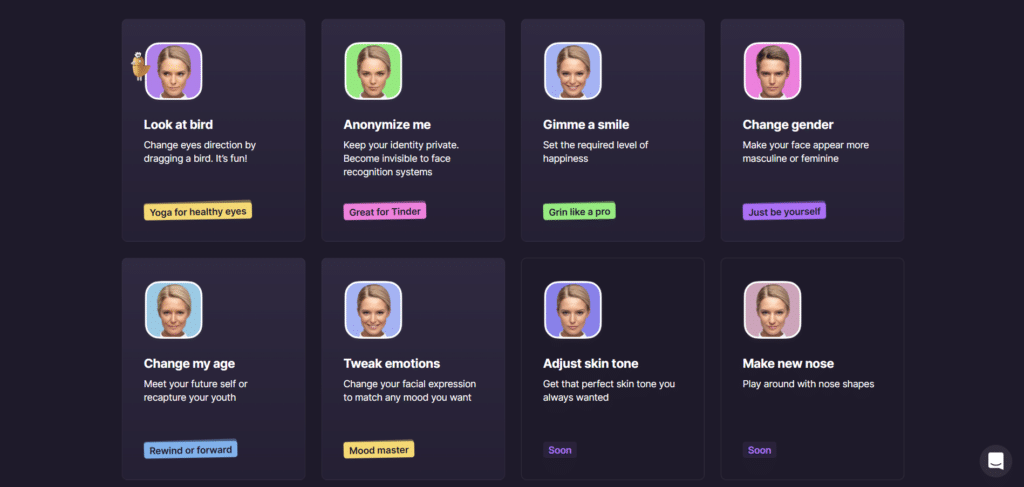
- Change gaze direction
- Adjust nose shape
- Modify skin tone
- Alter age
- Change hairstyle
- Tweak facial expressions
- Add or adjust smiles
- Change gender appearance
- Anonymize faces
- Apply makeup
- Reshape facial features
- Face swapping
- Generate AI faces
- Enhance image resolution
- Remove backgrounds
Free Plan & Pricing
Refund Policy
5 Ratings
[N/A]
[N/A]
5app.ai Rating
[N/A]
AI Review
[4.5/5]
HeyPhoto is a free AI photo editor that is easy to use and produces natural, high-quality edits. It offers features like changing facial expressions and hairstyles with good accuracy. Some users note it adds a watermark in the free version and has size limits, but overall it is a helpful tool for quick and fun photo enhancements.
Sources:- Aiknowzone.com, Heyphoto.tenereteam.com, Producthunt.com, Scamadviser.com
Our Expert's Opinion
[4/5]
I tried HeyPhoto after using other face editing apps, and it’s easy to use, which I really liked. You just upload a photo and can quickly change things like eyes, skin tone, or hairstyle. Some features work very well, like adding a smile or changing the age. But not everything is perfect. Sometimes the edits look a bit fake, especially if the face is turned or the photo is low quality. Also, it adds a watermark unless you pay. Overall, it’s a fun tool for simple edits, but not great if you want very natural or professional results every time.
Videos
User Reviews - 0 reviews
Reviews
Write a ReviewThere are no reviews yet.