Summary
| Foundation Year | 2020 |
| Country | N/A |
| Founders | James Jason |
| Tier | Freemium, Paid |
| Platforms | Web Browsers |
| AI Features | AI Meeting Assistant, AI Meeting Notes & Tasks, AI Workflow Integration, Collaboration, Generative AI, Meeting Notes Generation, Meeting Summarization, Transcription |
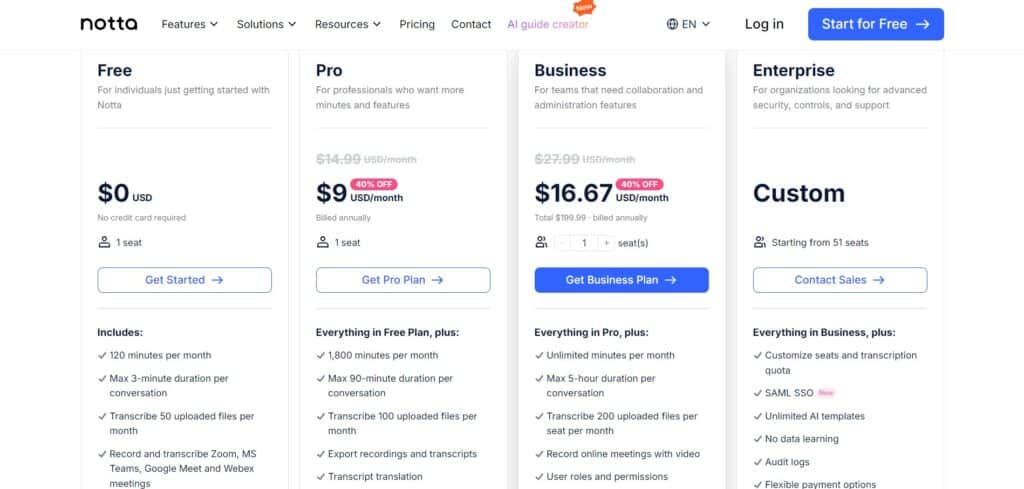
| Pricing From | $9 Per Month |
| Support | Yes |
| Best Used For | Transcription, Screen Recording etc |
| Affiliate Program | Yes |
| White Label | No |
| API | No |
Gallery
Description
Features
- Automatic recording
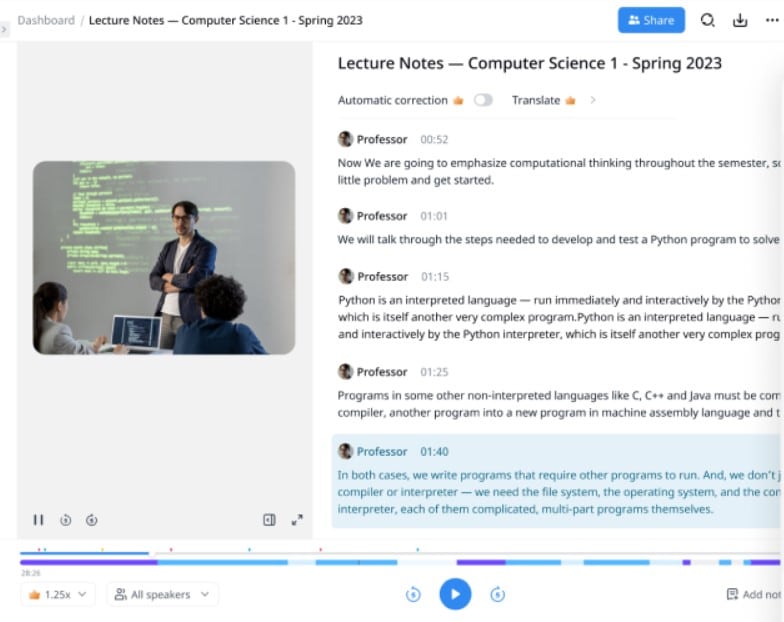
- Transcription
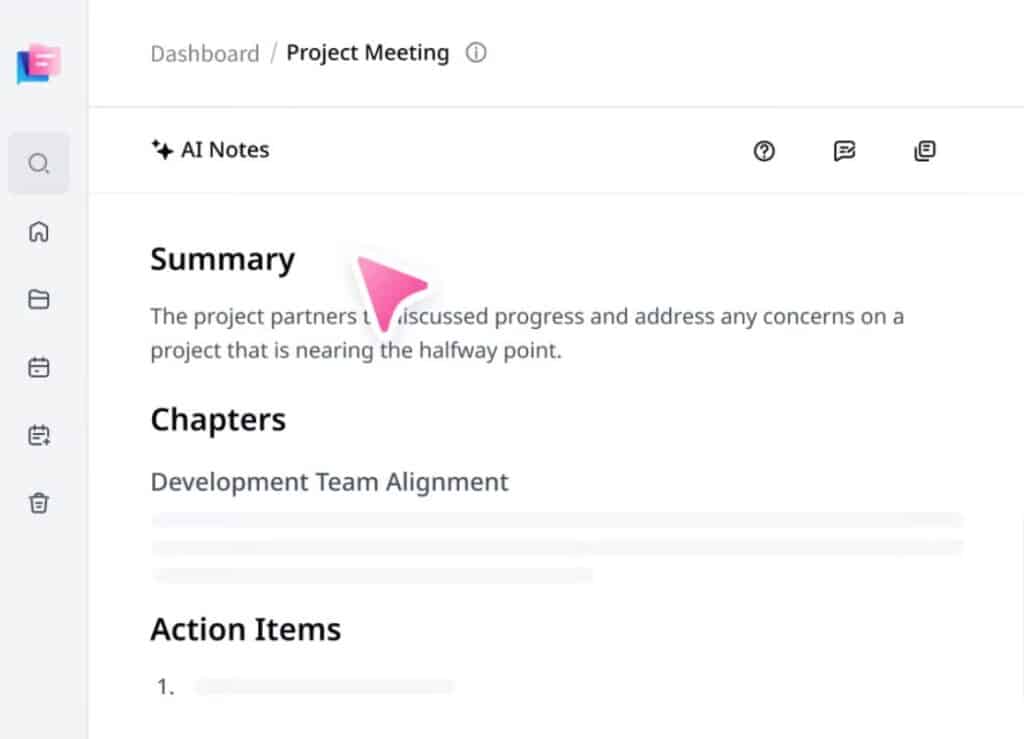
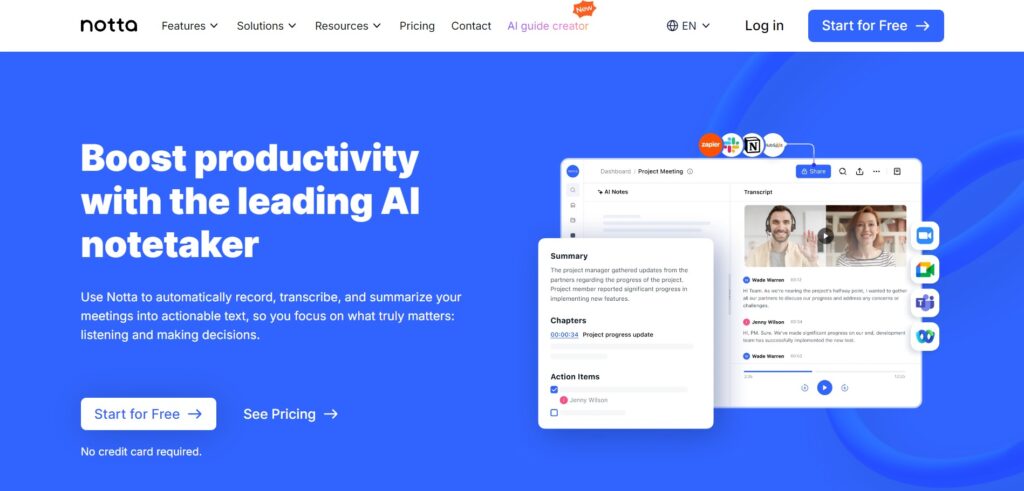
- Meeting summarization
- Speaker differentiation
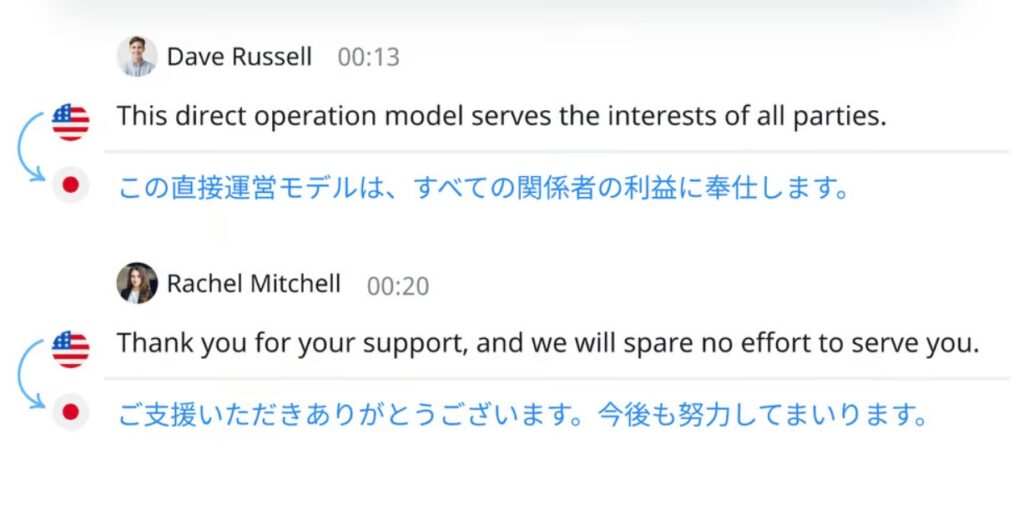
- Real-time transcription for bilingual meetings
- Real-time translation
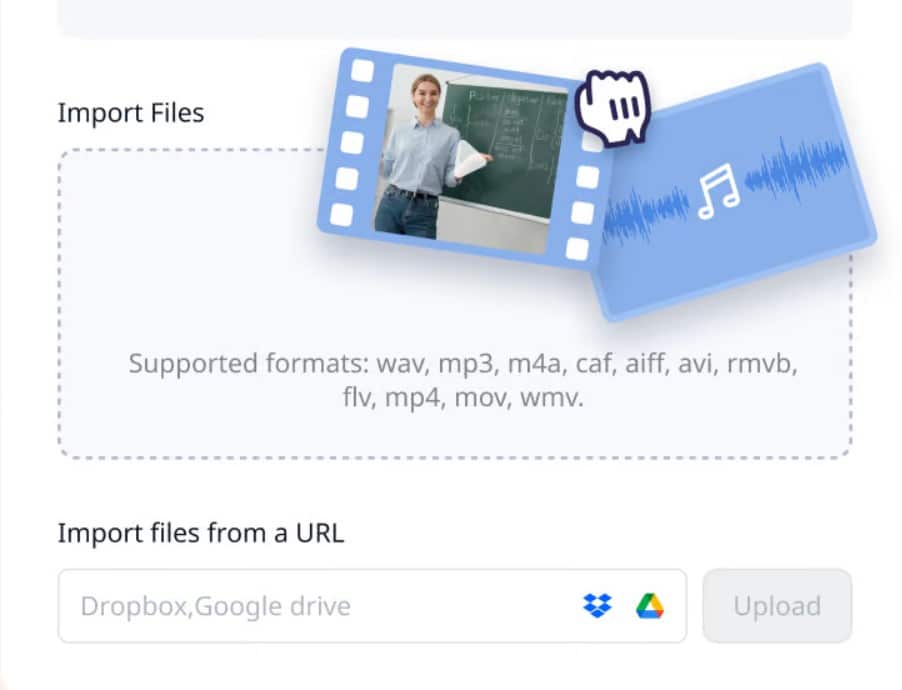
- Export to TXT, Word Doc, PDF, SRT
- Integration with Zoom, Google Calendar, Outlook, Slack, Notion, Salesforce, Zapier
- Clip creation from meeting highlights
- Asynchronous collaboration with mentions
- AI-generated summaries
- Audio to text converter
- Video to text converter
- YouTube video summarizer
- AI Guide Creator
Free Plan & Pricing
Refund Policy
5 Ratings
[4.6/5]
[1.8/5]
5app.ai Rating
[N/A]
AI Review
[3.4/5]
Notta.ai receives mixed reviews: praised for accurate transcriptions, multi-language support, mind maps, and summaries that save time, especially for meetings and international teams. However, users frequently complain about poor billing practices, lack of refunds on trials, unresponsive customer service, and occasional accuracy issues in noisy environments or with accents.
Sources:- Tldv.io, Thebusinessdive.com, Fritz.ai, Eweek.com, G2.com
Our Expert's Opinion
[4/5]
After trying Notta, I found it useful for quickly transcribing meetings and making summaries with little effort. Its interface is simple and easy to use, and it integrates well with tools like Slack and Notion, which helps in keeping everything connected. However, I noticed that the accuracy of the transcriptions sometimes drops when there are multiple speakers or when the audio quality isn't perfect. The translation feature is helpful, but not always spot-on, especially for technical terms. Overall, it saves time, but I still had to manually check and edit some parts to make sure everything was correct.
Videos
User Reviews - 0 reviews
Reviews
Write a ReviewThere are no reviews yet.