Summary
| Foundation Year | 2024 |
| Country | 🏴 England |
| Founders | No founders listed |
| Tier | Free Trial, Paid |
| Platforms | Web Browsers |
| AI Features | 3D avatar presentations, AI PPT Generator, AI Presentation and Slides, AI Presentation Maker, AI-generated voice-over, Real-time playback, Real-time Q&A system, Video generation through screen recording |
| Pricing From | N/A |
| Support | N/A |
| Best Used For | AI Presentation Generator |
| Affiliate Program | No |
| White Label | No |
| API | No |
Gallery
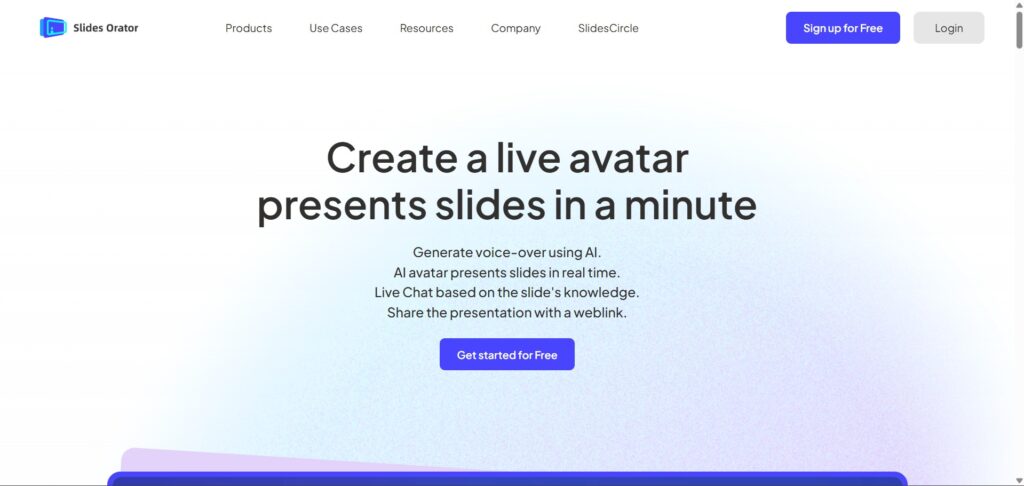
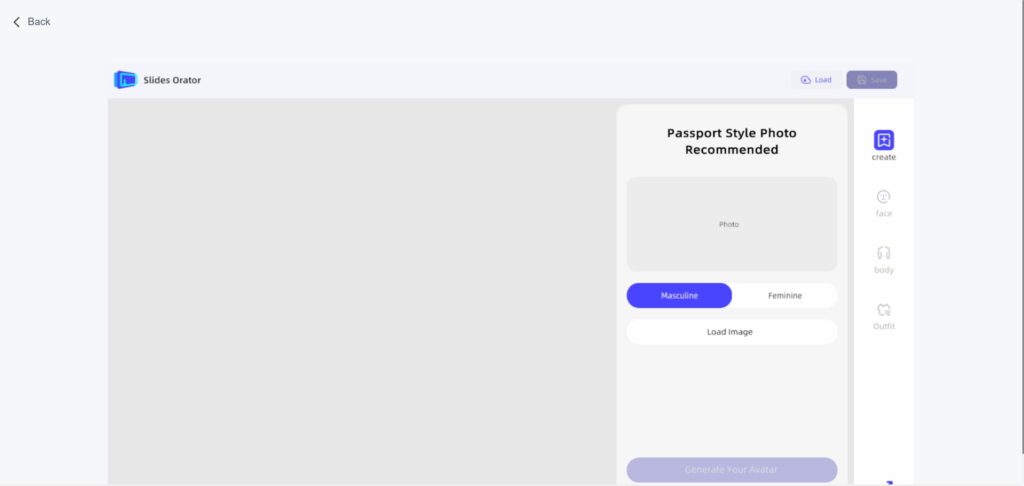

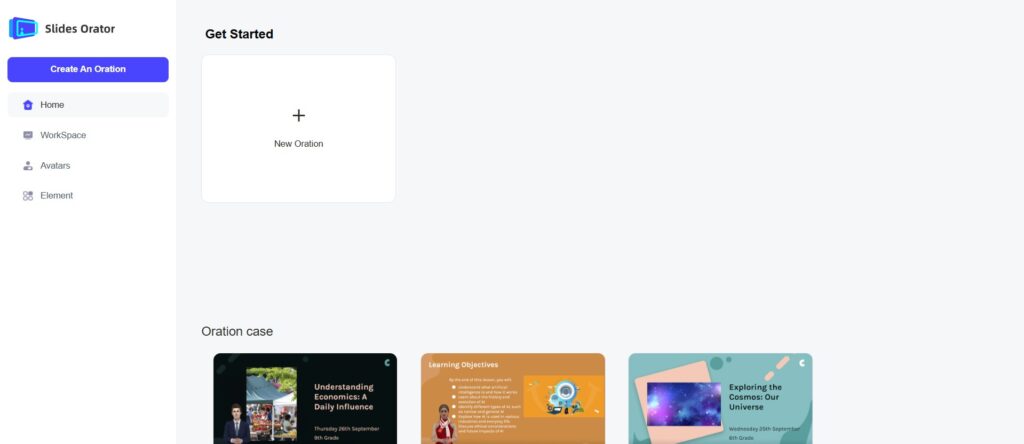
Description
Features
- AI-generated voice-over
- Real-time 3D avatar presentations
- Live chat based on slide content
- Weblink sharing for presentations
- Real-time playback
- Real-time Q&A system
- Video generation through screen recording
Free Plan & Pricing
Refund Policy
5 Ratings
[N/A]
[N/A]
5app.ai Rating
[N/A]
AI Review
[4.8/5]
SlidesOrator is a powerful AI-driven presentation tool that simplifies creating engaging slides with interactive avatars and real-time Q&A. It offers easy customization, multilingual narration, and helps audiences better understand complex ideas through AI narration and animations.
Sources:- Sourceforge.net, Slides-orator.tenereteam.com, Slidesorator.com
Our Expert's Opinion
[3.5/5]
I tried Slides Orator after using other AI tools for making presentations, and it’s a cool idea but not perfect. The 3D avatar talking through the slides is fun and makes it feel more alive, and the real-time Q&A is something I haven’t seen before. It saves time with the auto voice-over, which is nice. But sometimes the avatar movements feel a bit unnatural, and the voice doesn’t always match the emotion of the content. Also, editing the narration is not super smooth yet. Still, it’s a strong tool if you want to share presentations in a new, interactive way just needs a few fixes to feel more real and easy to control.
Videos
User Reviews - 0 reviews
Reviews
Write a ReviewThere are no reviews yet.