Summary
| Foundation Year | N/A |
| Country | N/A |
| Founders | No founders listed |
| Tier | Freemium, Lifetime Deal, Paid |
| Platforms | Desktop App, MacOS App |
| AI Features | AI background removal, AI Image Editor, Image Enhancer |
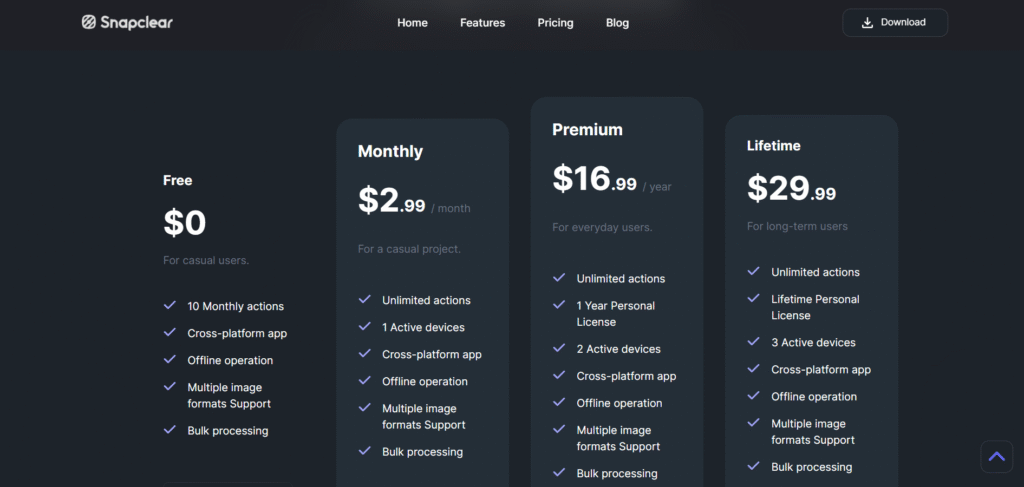
| Pricing From | $2.99 Per Month |
| Support | Yes (Email) |
| Best Used For | AI Image Editor |
| Affiliate Program | No |
| White Label | No |
| API | No |
Gallery

Description
Features
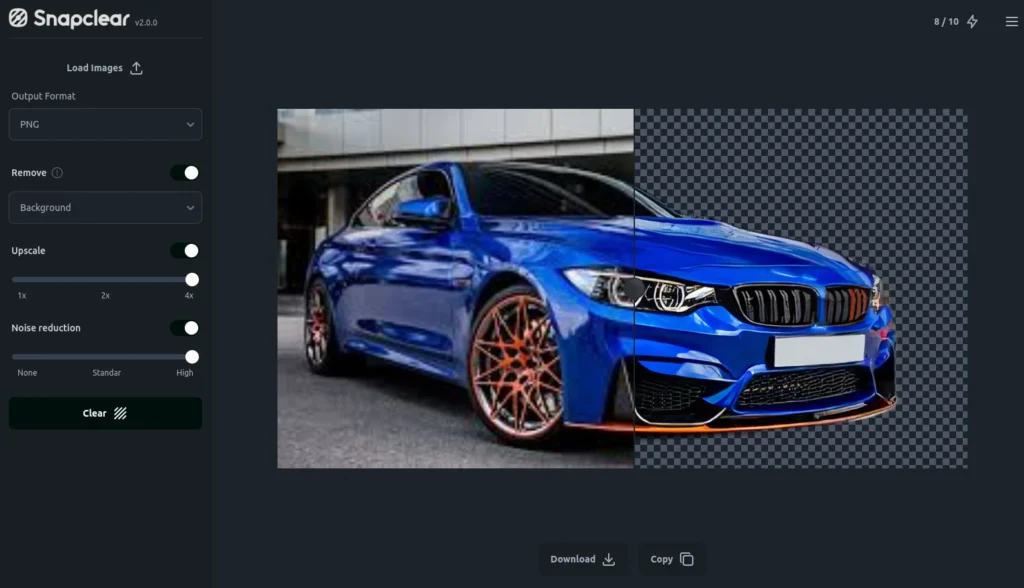
- Background Removal
- Smart Crop
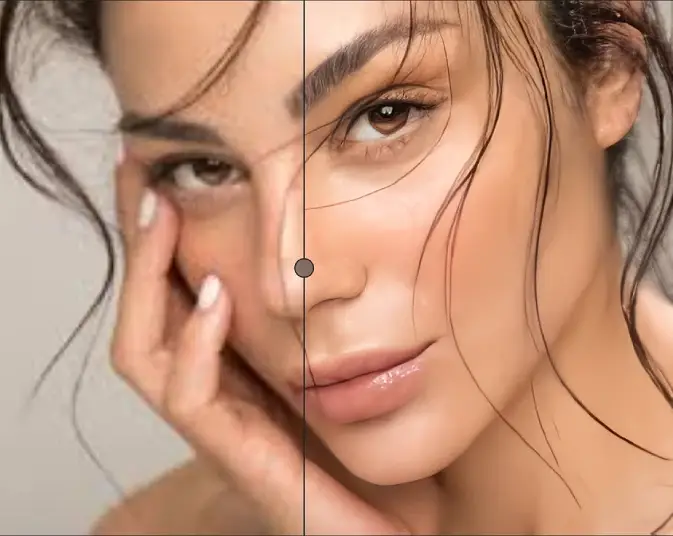
- AI Upscaling (up to 4× resolution) with Noise Reduction
- Bulk Processing
- Support for Multiple Image Formats
- Cross‑Platform Offline Operation (Windows, macOS, Linux)
Free Plan & Pricing
Refund Policy
5 Ratings
[N/A]
[N/A]
5app.ai Rating
[N/A]
AI Review
[5/5]
Snapclear does very well what it promises, delivering impressive results for image upscaling and background removal. Being offline, it ensures strong privacy for users' images.
Sources:- Producthunt.com, Producthunt.com
Our Expert's Opinion
[3.8/5]
After trying Snapclear, I think it’s a very useful tool if you want to edit photos offline. The background removal works well most of the time, and the upscaling made some old pictures look much better. I liked that it runs on my computer without needing the internet, which feels safe. But sometimes the background cut wasn’t perfect, especially with busy images. Also, the app can feel a bit slow when doing bulk edits. It’s simple to use, but not as fast or clean as some online tools I’ve used before. Still, for a small app that works offline, it does a pretty good job.
Videos
User Reviews - 0 reviews
Reviews
Write a ReviewThere are no reviews yet.