
Summary
| Foundation Year | 2003 |
| Country | 🇺🇸 United States |
| Founders | Christian Chabot, Pat Hanrahan, Chris Stolte |
| Tier | Free Trial, Paid |
| Platforms | Desktop App, Web Browsers |
| AI Features | AI Analytics, Collaboration tools, Data Preparation, Real-Time Data Analysis |
| Pricing From | N/A |
| Support | Yes |
| Best Used For | AI Analytics |
| Affiliate Program | No |
| White Label | No |
| API | No |
Gallery
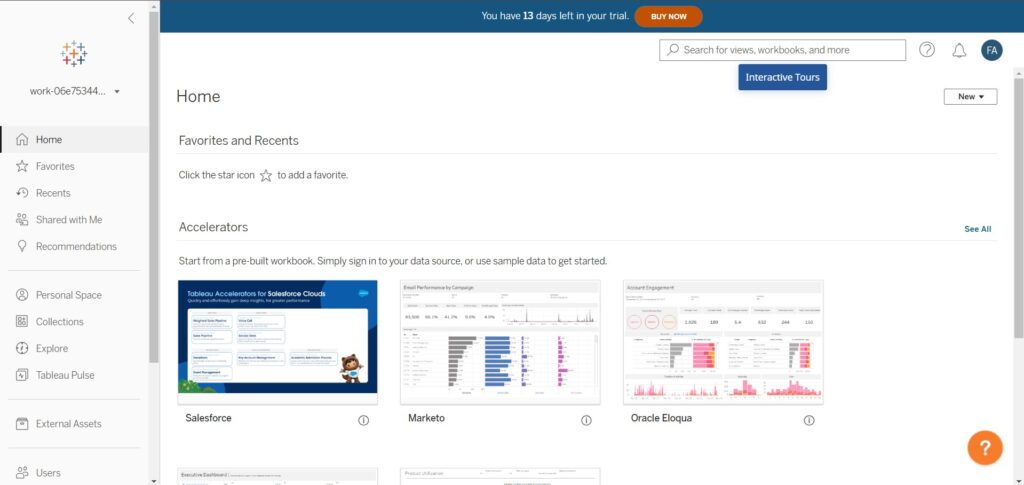
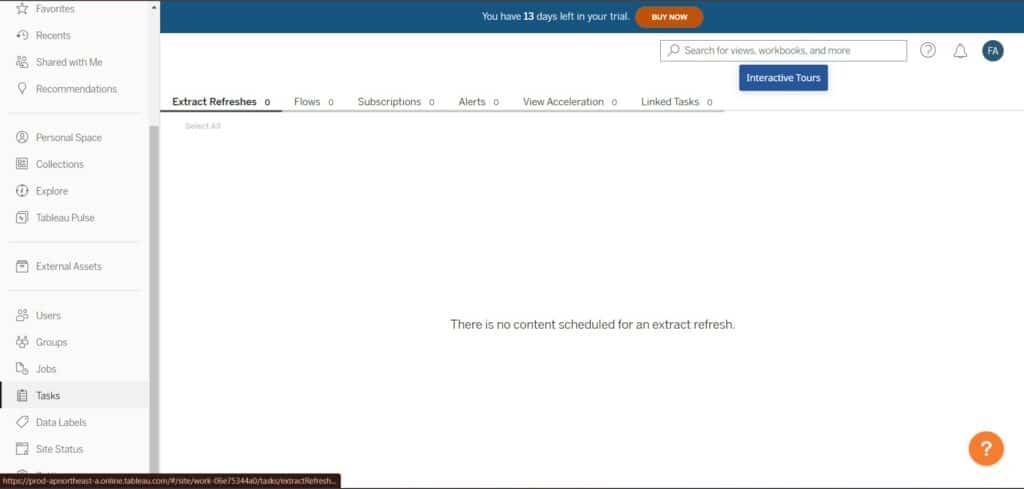
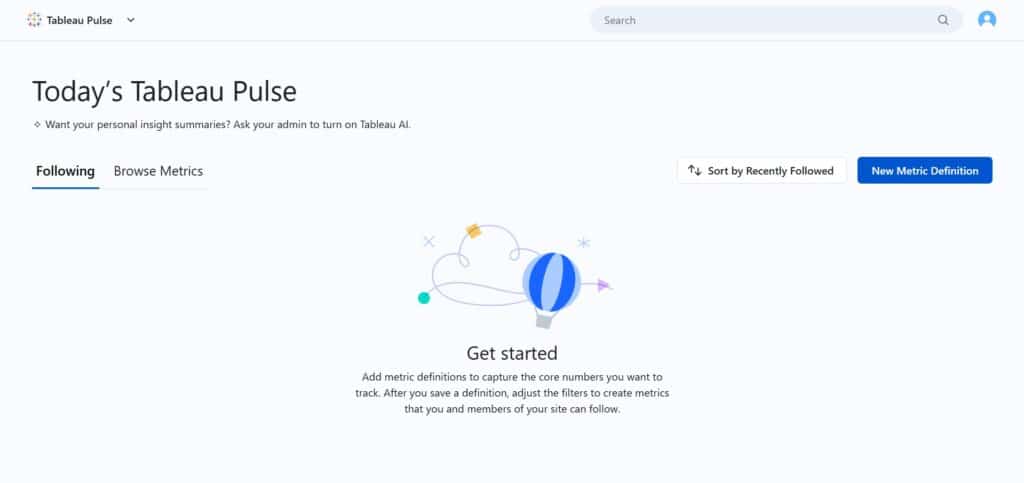
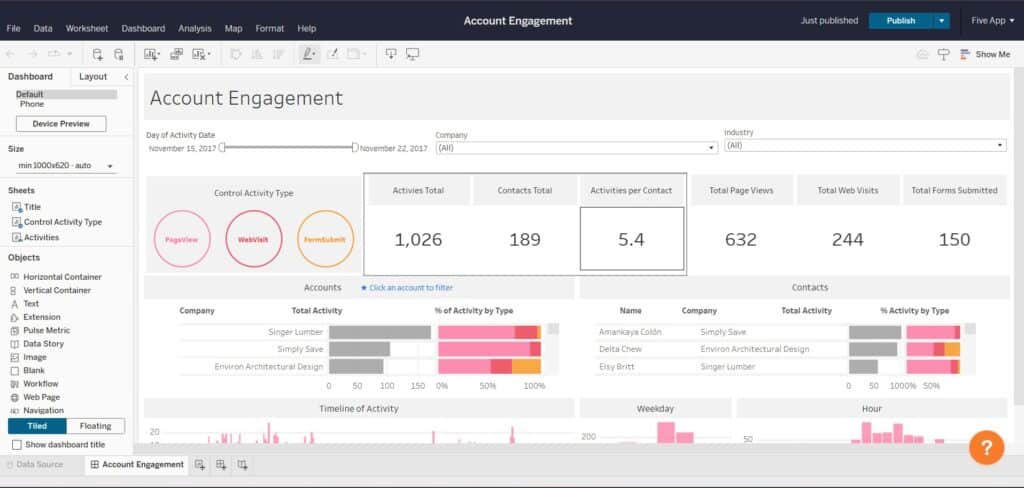
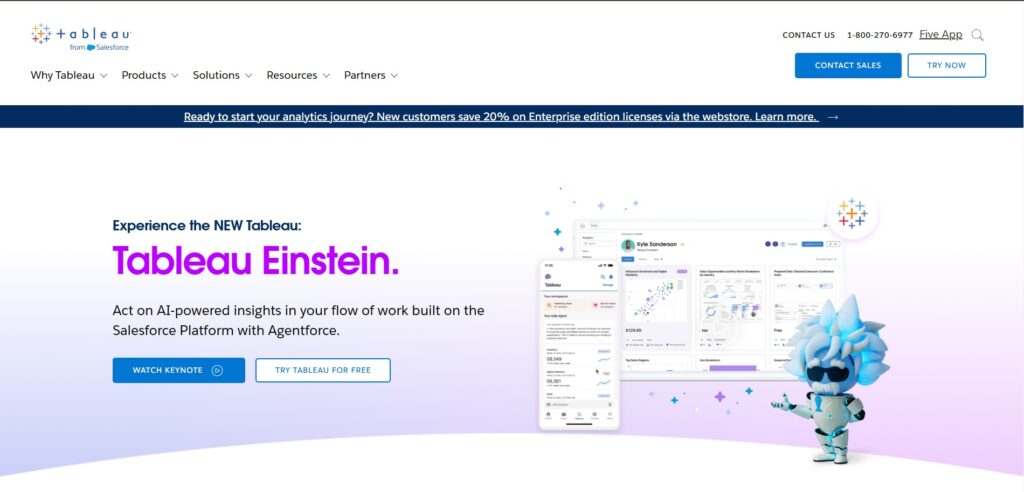
Description
Features
- Data Connectivity
- Interactive Dashboards
- Advanced Visualizations
- Geospatial Analysis
- Data Blending
- Real-Time Data Analysis
- Collaboration Tools
- Mobile Compatibility
- Security Measures
- Augmented Analytics
- Data Preparation
- Extensibility
Free Plan & Pricing
Refund Policy
5 Ratings
[4.4/5]
[2.2/5]
5app.ai Rating
[N/A]
AI Review
[4.3/5]
Tableau offers strong data visualization and dashboard features that are easy to use and help turn data into clear visuals efficiently. Users appreciate its flexibility, visual appeal, and ability to automate reports. However, it can be pricey, and performance may lag with large datasets. Some users note issues with support and the absence of auto-save.
Sources:- Selecthub.com, Capterra.com, Infotech.com, G2.com
Our Expert's Opinion
[4.5/5]
After using Tableau, it’s clear that it’s a powerful tool for creating beautiful, interactive charts and dashboards. The drag-and-drop interface is very easy to use, even for beginners, and the ability to connect to many data sources is a big plus. Features like Ask Data and Explain Data are really helpful, especially when you’re trying to explore data quickly. However, it can feel overwhelming at first because there are so many options, and some advanced features require a steep learning curve. Also, the pricing can be a little high for small businesses or solo users. Overall, it’s great for serious data analysis, but it’s not perfect and might not suit everyone.
Videos
User Reviews - 0 reviews
Reviews
Write a ReviewThere are no reviews yet.


