
Summary
| Foundation Year | 2020 |
| Country | 🇺🇸 United States |
| Founders | Jay Chen |
| Tier | Freemium, Paid |
| Platforms | API, Web Browsers |
| AI Features | AI Writing Tool, Collaboration, Document Upload, Font Library, Subtitle Generator, Transcription, Translation |
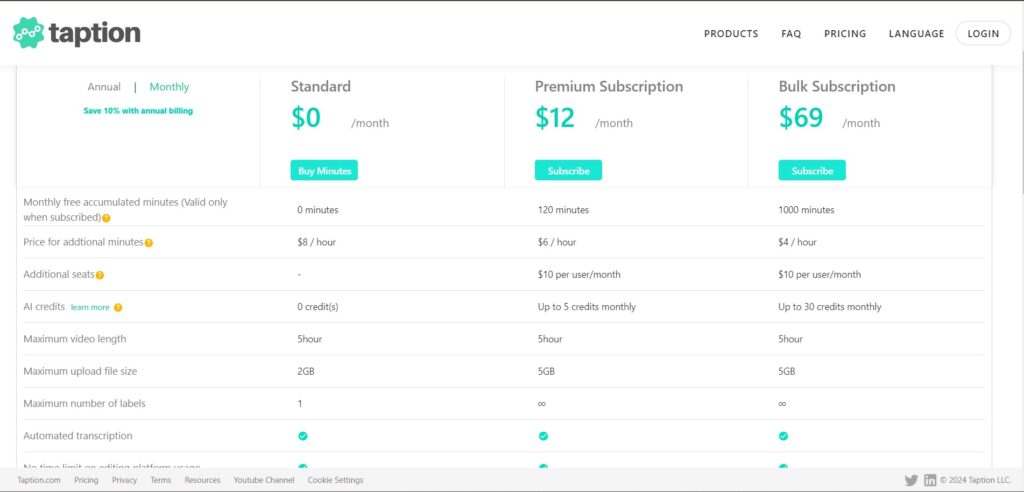
| Pricing From | $12 Per Month |
| Support | Yes (Email) |
| Best Used For | Transcription, Subtitles and Translation Generator |
| Affiliate Program | No |
| White Label | No |
| API | Yes |
Gallery
Description
Features
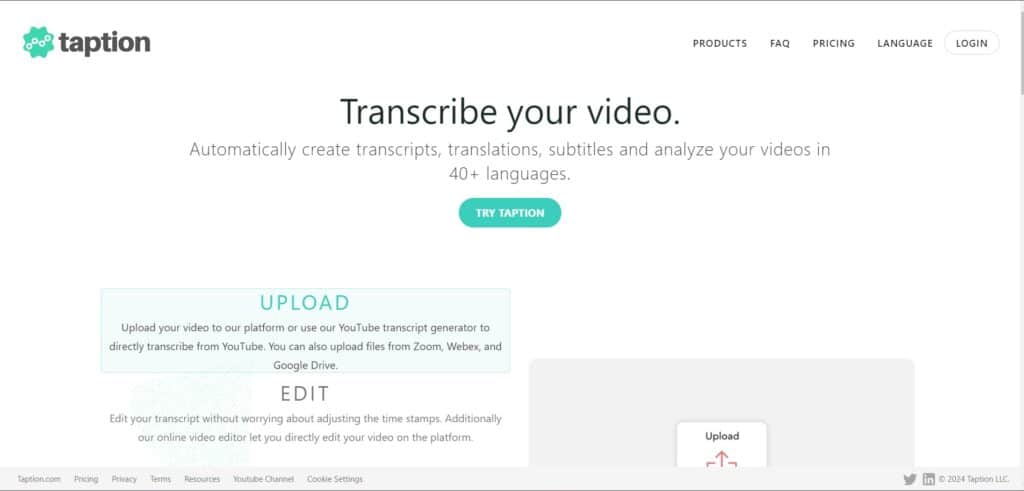
- Add subtitles to video
- Convert video to text
- Al analysis tool
- Translate video
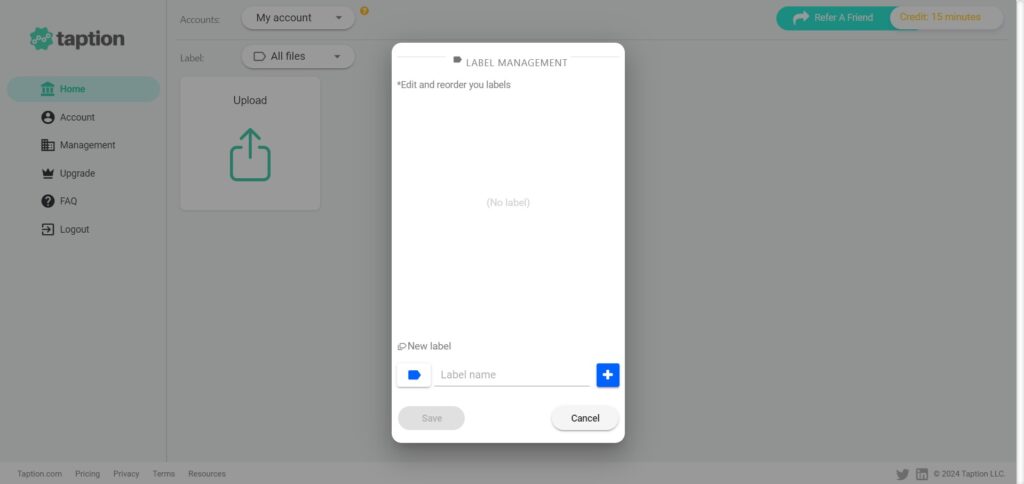
- Speaker labeling for videos
- Convert audio to video
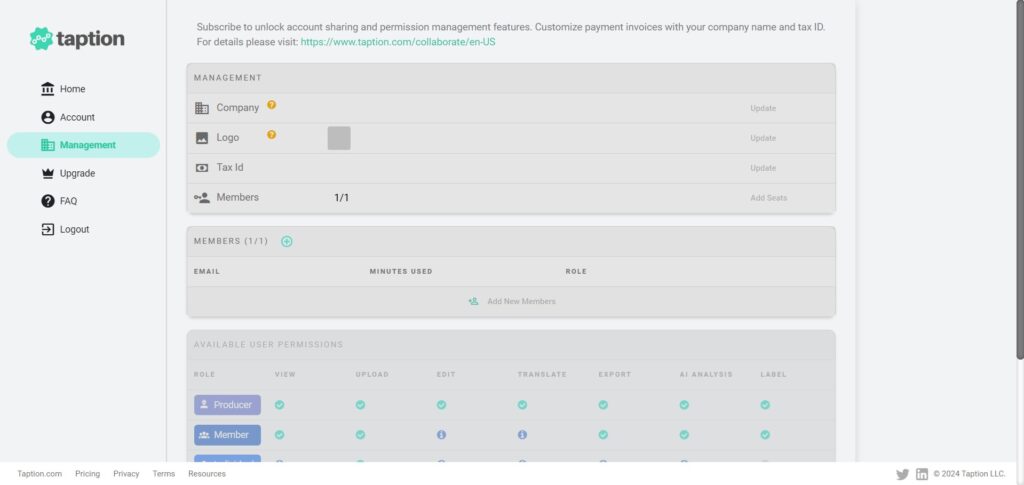
- Collaborate with teams
- Convert TXT to SRT
- Add speaker labeling for existing transcripts
Free Plan & Pricing
Refund Policy
5 Ratings
[4.5/5]
[N/A]
5app.ai Rating
[4/5]
AI Review
[4/5]
Taption is a fast and user-friendly AI transcription tool that supports many languages and offers good accuracy, especially for Asian languages. Users appreciate its clean interface and editing features but note occasional errors in transcriptions and wish for more AI integrations and app integrations.
Sources:- Softwareadvice.com, Appsumo.com, Stateofdigitalpublishing.com, Capterra.com, Getapp.com
Our Expert's Opinion
[3.8/5]
After testing Taption, I found it useful for quickly transcribing videos and adding subtitles. The platform supports many languages, which is great for translation and making content accessible to a global audience. However, the interface felt a bit overwhelming at first, especially for users unfamiliar with advanced transcription tools. Also, while the AI is generally accurate, I noticed some errors in speaker labeling, especially in noisier audio files, which required manual correction. The pricing is fair for the features offered, but if you need a lot of transcription minutes, the bulk plan is the only real value. Overall, it’s a solid tool but could improve in usability and precision for complex files.





Mahamed Mahamud
Taption is a very useful tool for transcribing videos quickly and accurately. The user interface is clean and easy to understand, which makes editing simple. It works especially well with multiple languages, including Chinese and Japanese. Although there is a small learning curve, it is definitely worth trying for anyone needing reliable transcription and subtitle features.