
Summary
| Foundation Year | 2015 |
| Country | 🇮🇱 Israel |
| Founders | Ronen Rabinovici |
| Tier | Freemium, Paid |
| Platforms | Android App, API, Web Browsers |
| AI Features | AI Text to Speech, AI Voice Generator, API |
| Pricing From | $10.99 Per Month |
| Support | Yes |
| Best Used For | Text to Speech |
| Affiliate Program | No |
| White Label | No |
| API | Yes |
Gallery
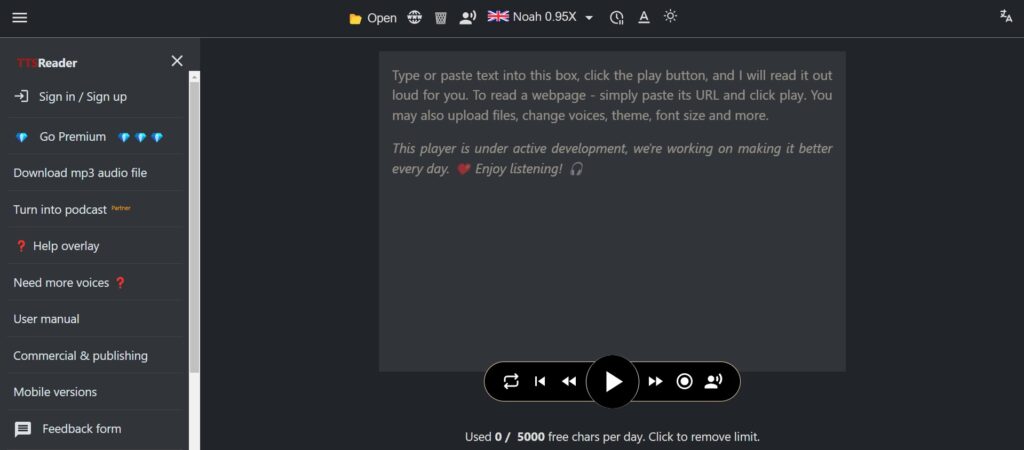
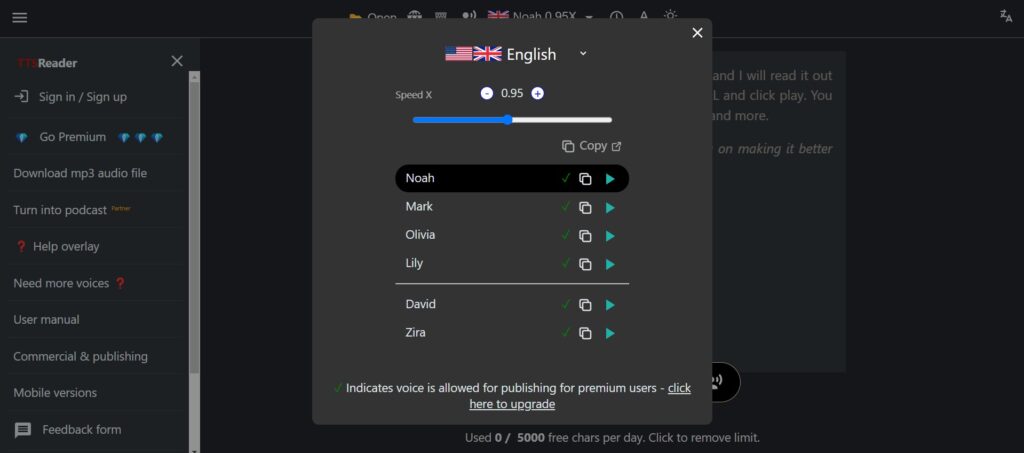
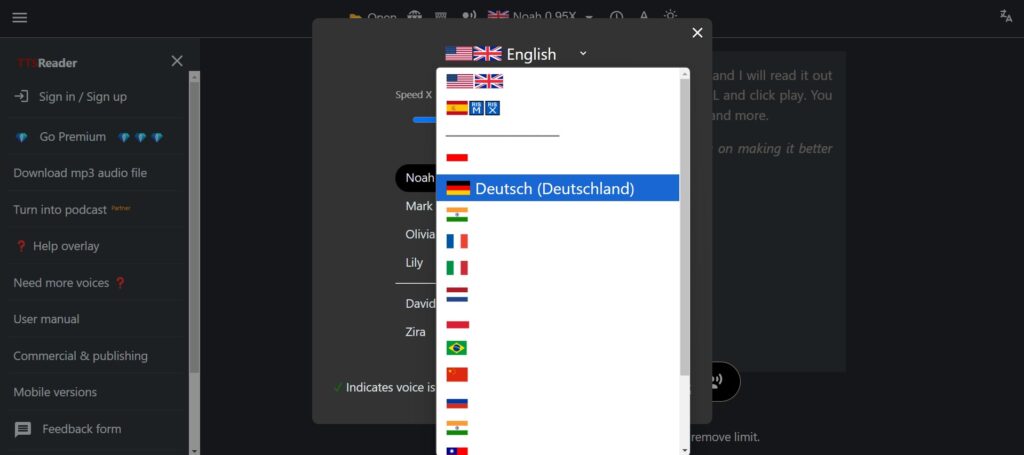
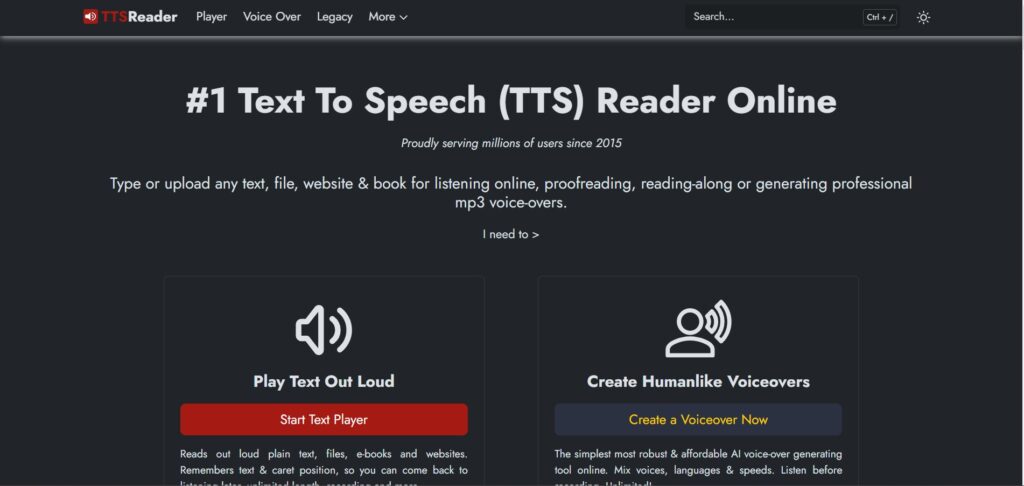
Description
Features
- Text-to-speech conversion
- Support for multiple languages and accents
- Adjustable reading speed
- Highlighting of text being read
- Uploading of text files, PDFs, and eBooks
- Web page reading via URL input
- Chrome extension for in-page reading
- Mobile apps for Android and iOS
- Offline functionality
- Exporting audio to MP3 files (premium feature)
- Cloud synchronization of text and position
- No sign-in required
- Ad-free experience (premium feature)
- Commercial and publishing licenses (premium feature)
Free Plan & Pricing
Refund Policy
5 Ratings
[N/A]
[N/A]
5app.ai Rating
[4/5]
AI Review
[3.5/5]
TTSReader is easy to use with a simple interface and supports multiple languages and voices. It works well for basic text-to-speech needs like proofreading and multitasking. However, the voices can sound robotic and there are limited advanced features compared to premium TTS tools.
Sources:- Ttsreader.knoji.com, Fineshare.com, Slashdot.org
Our Expert's Opinion
[3.9/5]
TTSReader is a handy tool for turning text into speech, and it’s really easy to use without needing to sign in or download anything. The voices sound natural, and I liked how it highlights the text as it reads. It’s great for proofreading or listening to articles on the go. However, some voices and features like exporting to MP3 are only available in the premium version, which could feel limiting. The interface is simple, but it might feel a bit basic compared to other apps with more advanced design. Overall, it’s useful and does the job well, especially for free users, but it could use a few more features for better customization.





Franz-Peter Tonn
TTSReader is a handy tool for listening to text online. It’s easy to use—just paste your text and press play. The voices sound clear and natural, and you can even choose between different accents. It works well for proofreading or just relaxing while listening to articles. The free version has many features, but sometimes the pronunciation isn’t perfect, and there’s no mobile app. Overall, it’s very useful, especially if you want to save your reading for later or prefer listening over reading.