Summary
| Foundation Year | 2014 |
| Country | 🇺🇸 United States |
| Founders | Camilo Tapia |
| Tier | 100% Free |
| Platforms | API, Web Browsers |
| AI Features | API, Browser automation, End-to-end testing, Mobile app testing, Unit testing |
| Pricing From | Free Forever |
| Support | Yes |
| Best Used For | AI Browsing Automation |
| Affiliate Program | No |
| White Label | No |
| API | Yes |
Gallery
Description
Features
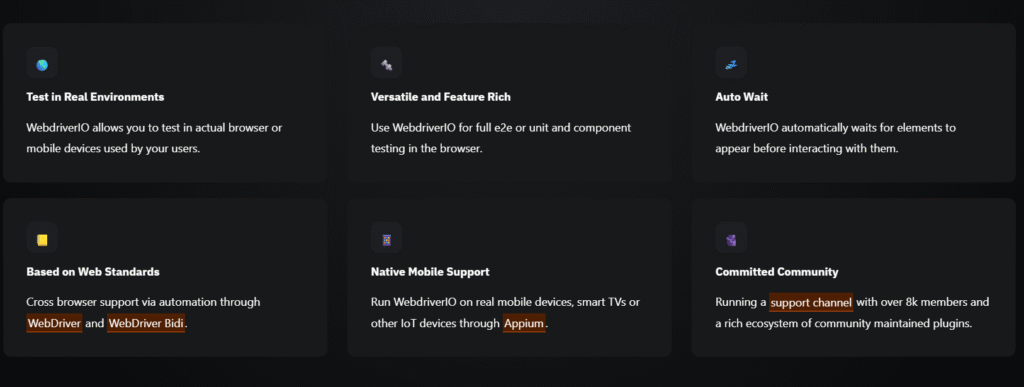
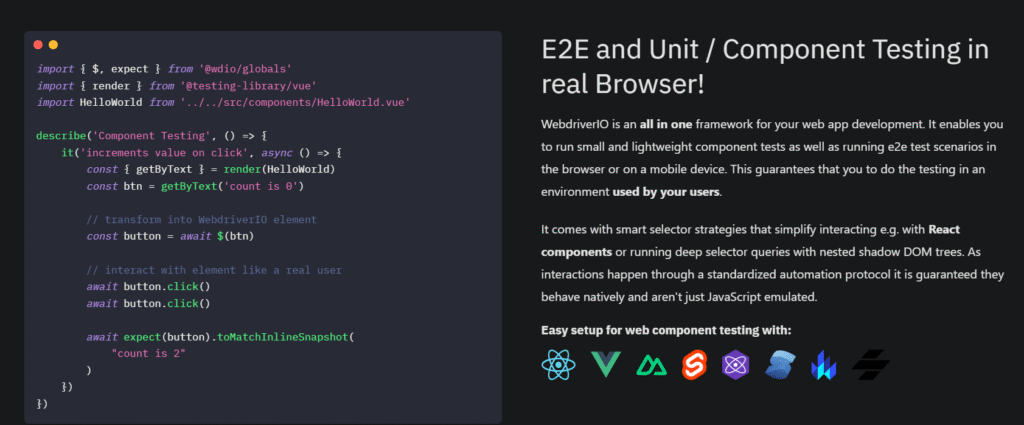
- End-to-end testing
- Unit testing
- Component testing
- Cross-browser testing
- Mobile app testing (via Appium)
- WebDriver protocol support
- WebDriver BiDi support
- Auto-wait for elements
- Smart selector strategies (incl. shadow DOM)
- CLI test runner and config generator
- Plugin and service system
- Reporter integrations
- Parallel test execution
- Multiremote testing (multiple browsers in one test)
- Cloud grid integration (Sauce Labs, BrowserStack, etc.)
- Chrome DevTools integration
- Google Lighthouse integration
- CI/CD integration support
- Screenshot and logging utilities
Free Plan & Pricing
No paid plan available for WebDriverIO
Refund Policy
5 Ratings
[N/A]
[N/A]
5app.ai Rating
[N/A]
AI Review
[4/5]
WebdriverIO is a fast and feature-rich automation framework that supports multiple programming approaches and provides flexible reporting options. It is extendable and compatible with various protocols, making it suitable for modern web and mobile app testing. However, it can be difficult for new users to debug, and some error messages can be misleading. Community support is helpful but not as strong as paid tools.
Sources:- Testautomationtools.dev, Producthunt.com, Sourceforge.net
Our Expert's Opinion
[4.5/5]
After using WebdriverIO for a while, I like how it gives me one single framework for web and mobile tests, and I enjoy the rich plugins and strong community support, which make it feel powerful and modern. At the same time, it is not always easy to start with: the setup and config can feel complex, especially with TypeScript and async/await, and sometimes the error messages are not very clear, so debugging can take longer than I want. Compared to some tools that focus only on the browser, WebdriverIO feels more flexible and scalable, but I also notice that it inherits some Selenium-style limitations, like slower feedback and trickier network control, so it does not always feel as smooth as newer “all-in-one” test runners. Overall, it feels like a great choice when I need serious cross-browser and mobile coverage, but I would not call it the simplest tool, and I think teams should be ready to invest time in setup, learning, and maintenance.
Videos
User Reviews - 0 reviews
Reviews
Write a ReviewThere are no reviews yet.