Summary
| Foundation Year | 2003 |
| Country | 🇨🇳 China |
| Founders | Tobee Wu |
| Tier | Freemium, Paid |
| Platforms | Android App, Desktop App, iOS App, MacOS App |
| AI Features | AI Video Editing, Integration, Templates, Text-Based Editing, Video colorization, Video Editing |
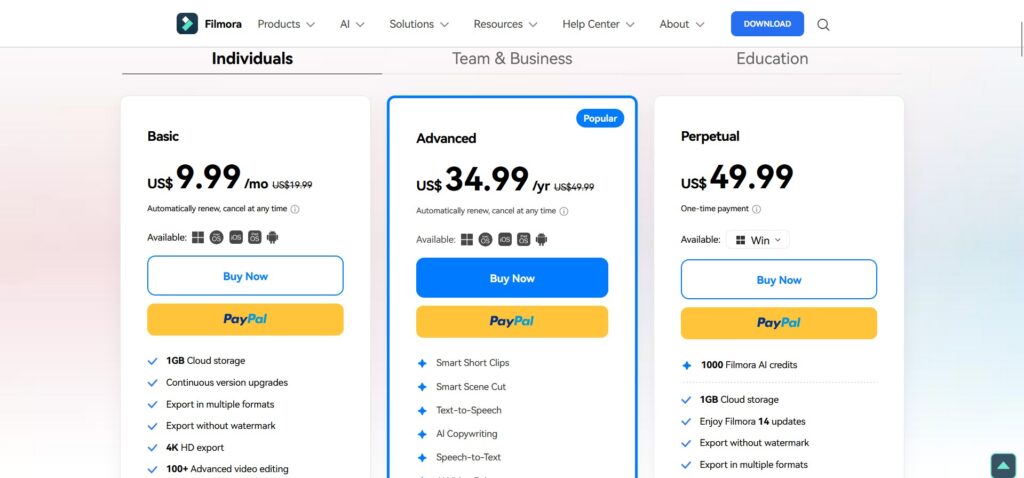
| Pricing From | $9.99 Per Month |
| Support | Yes |
| Best Used For | AI Video Editing |
| Affiliate Program | Yes |
| White Label | No |
| API | No |
Gallery

Description
Features
- Screen Recorder
- Keyframing
- Planar Tracking
- Multi-Camera Editing
- Silence Detection
- Auto Beat Sync
- Audio Ducking
- Sync Audio
- Add Texts
- Title Editing
- Batch Edit Texts
- Text Animation
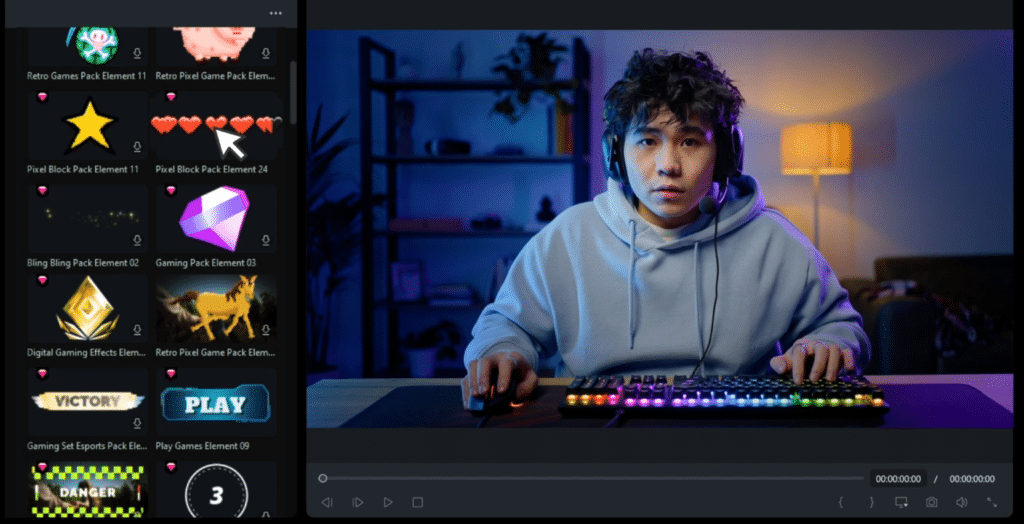
- Video Effects
- Plug-Ins
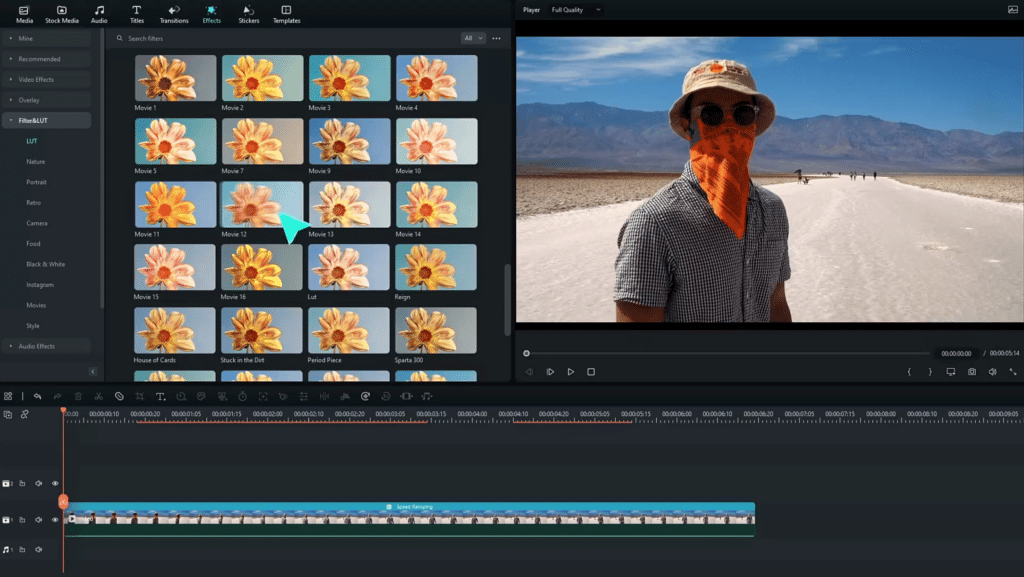
- LUTs
- Glitch Effects
- 3D Texts
Free Plan & Pricing
Refund Policy
5 Ratings
[4.4/5]
[4.2/5]
5app.ai Rating
[N/A]
AI Review
[3.8/5]
Wondershare Filmora is easy to use and great for beginners, offering many editing tools and good results. However, it has limitations like low resolution exports in the free version, occasional glitches, and some advanced features require payment. It is well-suited for quick social media videos but can be slow with high-resolution projects.
Sources:- Techradar.com, G2.com, Play.google.com, Diyvideoeditor.com
Our Expert's Opinion
[4/5]
After using Filmora, I found it to be a great choice for easy and quick video editing, especially for beginners. The drag-and-drop interface and AI tools like Auto Caption and Smart Scene Cut save a lot of time and make the process simple. The templates and effects are fun to use, and it’s nice to have so many options for social media videos. However, compared to more advanced software, it lacks some detailed editing controls, which might frustrate professionals. Also, exporting larger files can feel a bit slow. Overall, Filmora is perfect for casual creators but might not be enough for complex, high-level projects.
Videos
User Reviews - 0 reviews
Reviews
Write a ReviewThere are no reviews yet.